Login Guide
Login Guide
Account Management
Here are two ways to log in to Dibalas.ai.
Login with google
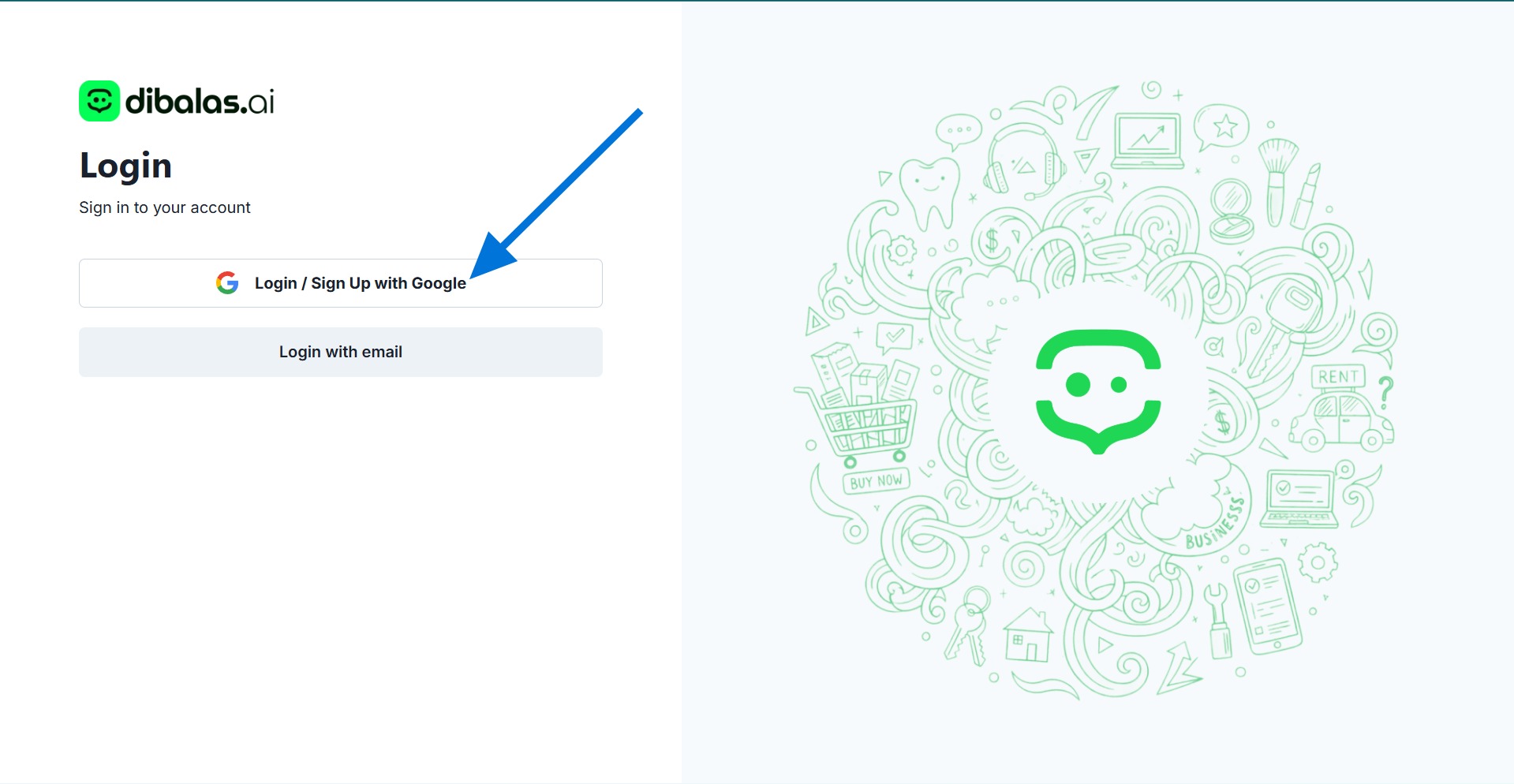
If you want to log in using the email you are currently using on your browser, you can click "Login/ Sign up with Google" and you will then be directed to your account's dashboard page.
Login with email
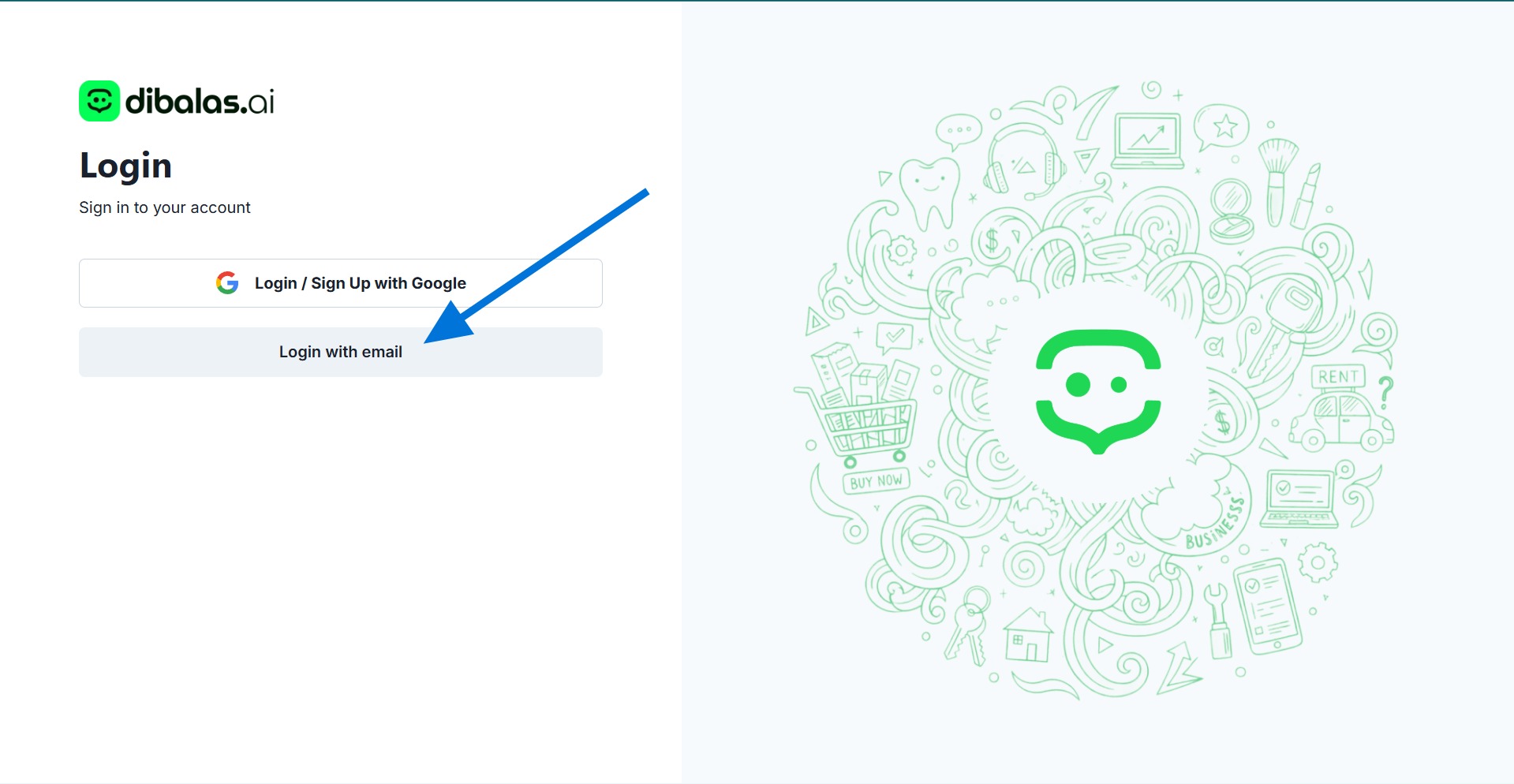
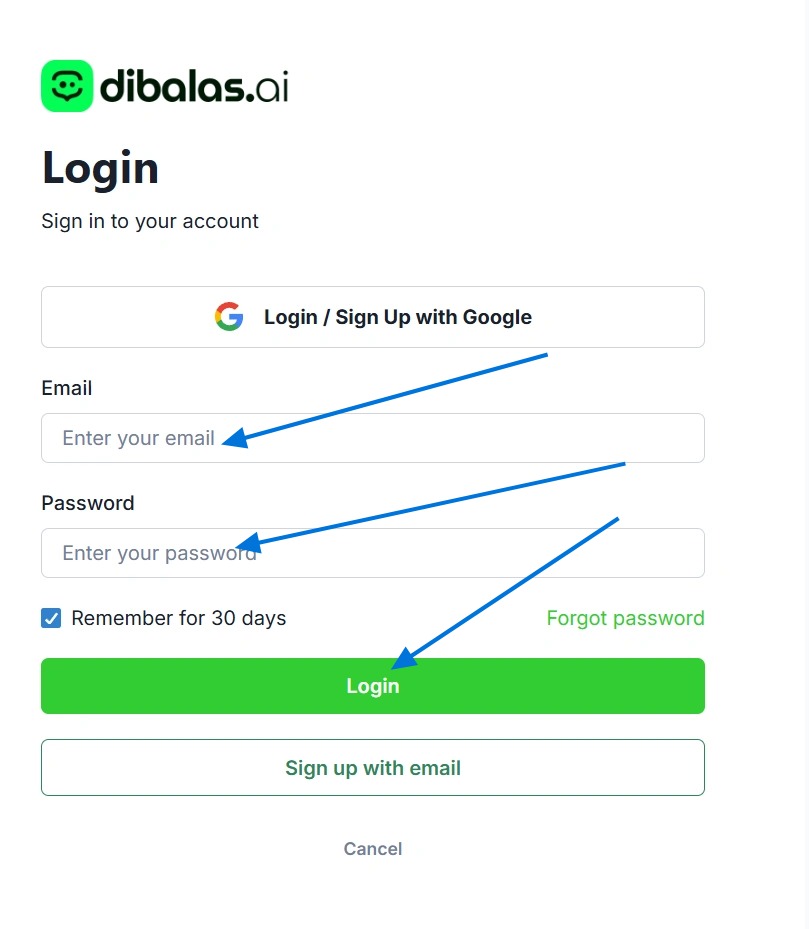
if you want to log in using a different account whose email is not currently being used on your browser, you can log in manually by entering the email and password you have registered.
Click "login with email"
- Press 'Login' after filling in the email and password fields to log in.
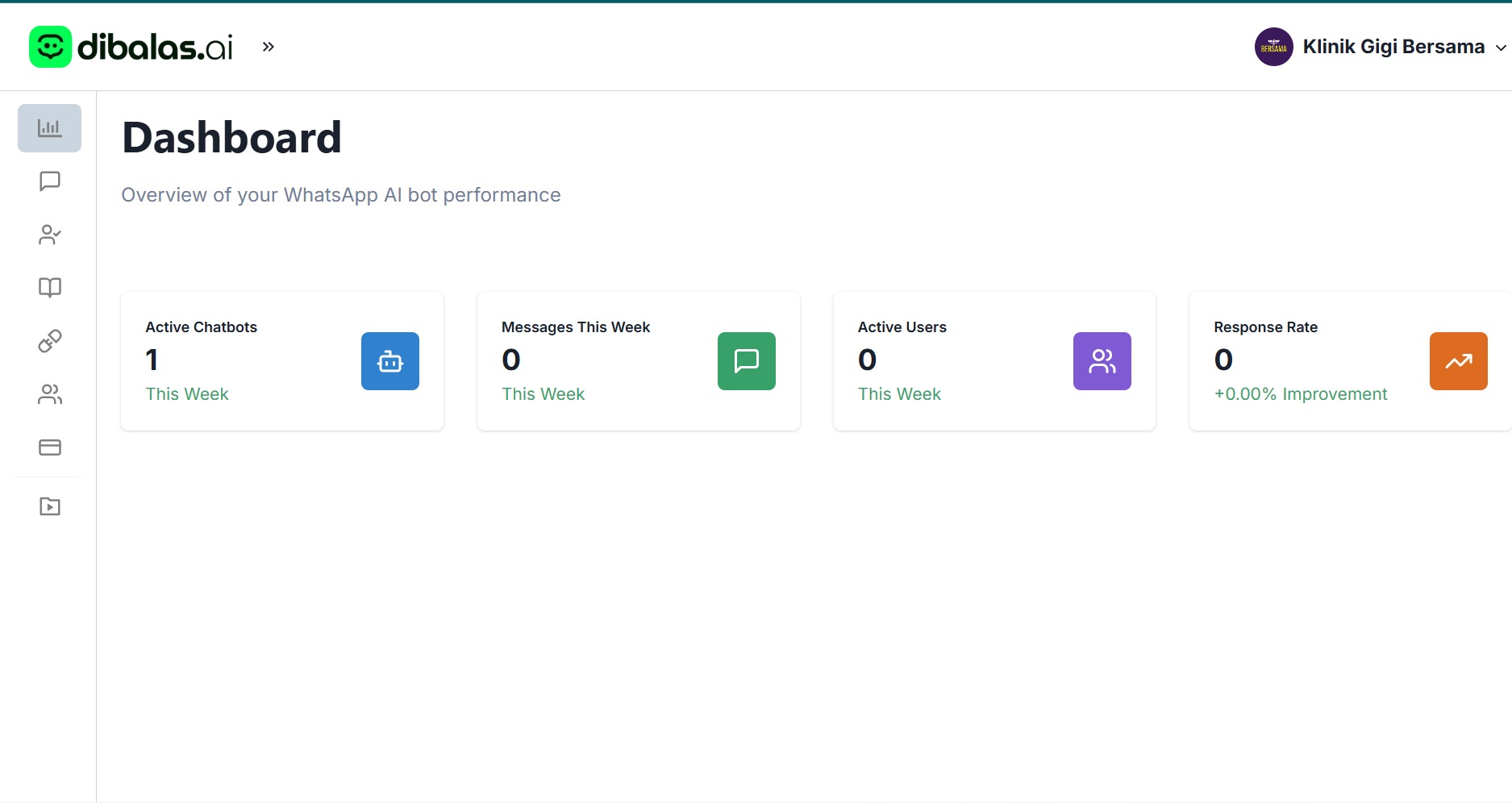
3.. After pressing "Login" you will be on your account's dashboard page.