Account profile
Account profile
How to update your account profile
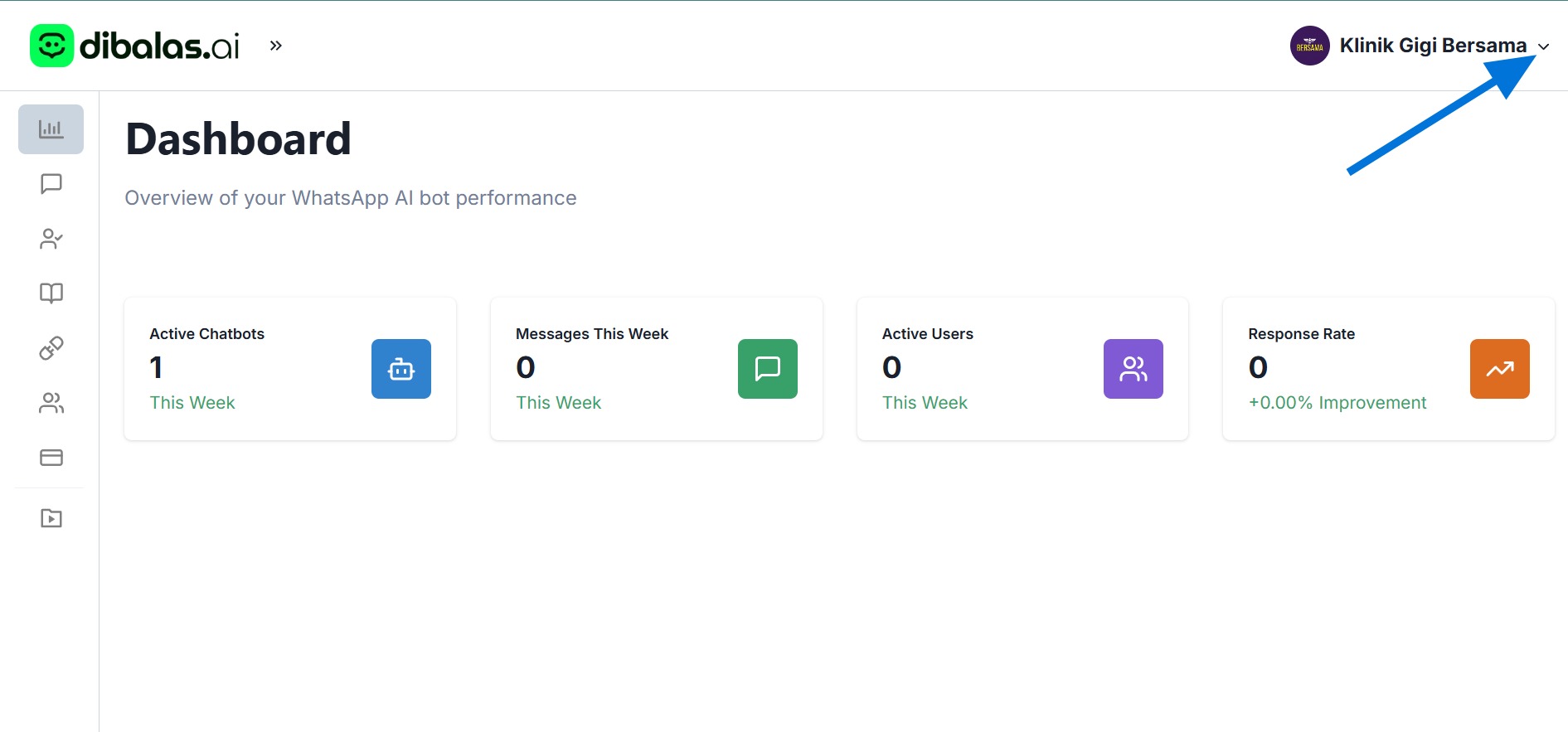
- Click your username on the top right side.
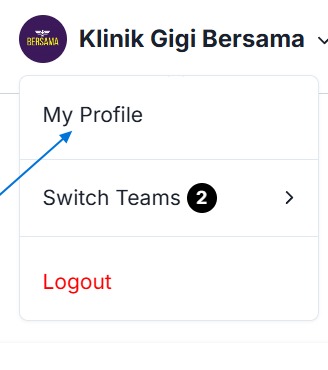
- Click "My Profile"
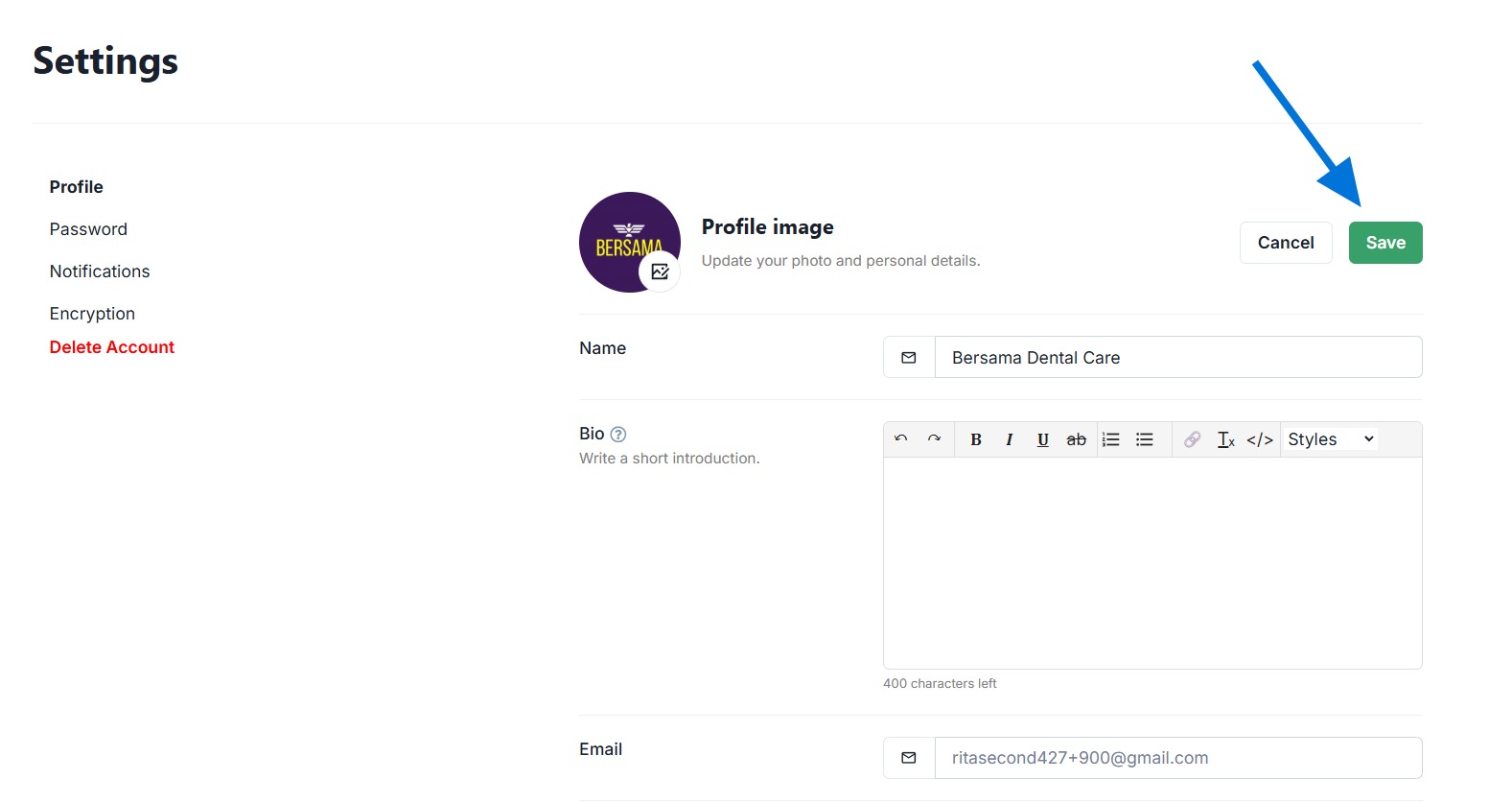
- You can change your profile photo, name, and bio or a brief introduction. You can also view your email and the team you are part of. Press 'Save' to save the changes you made.
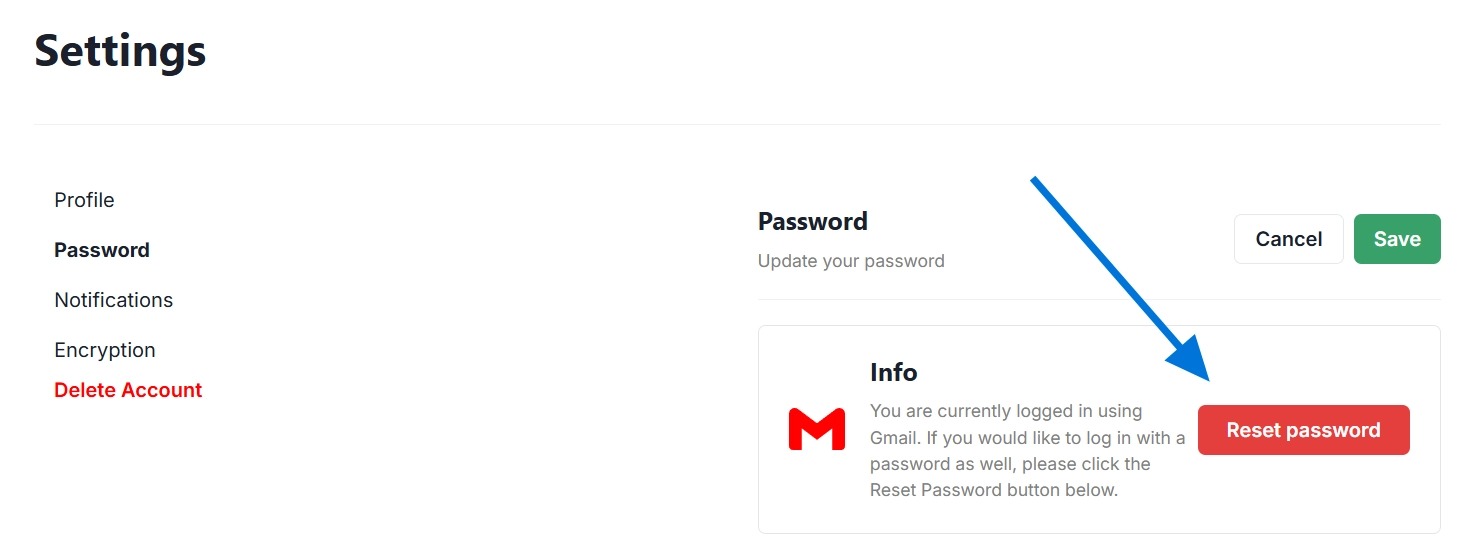
- You can also update the password
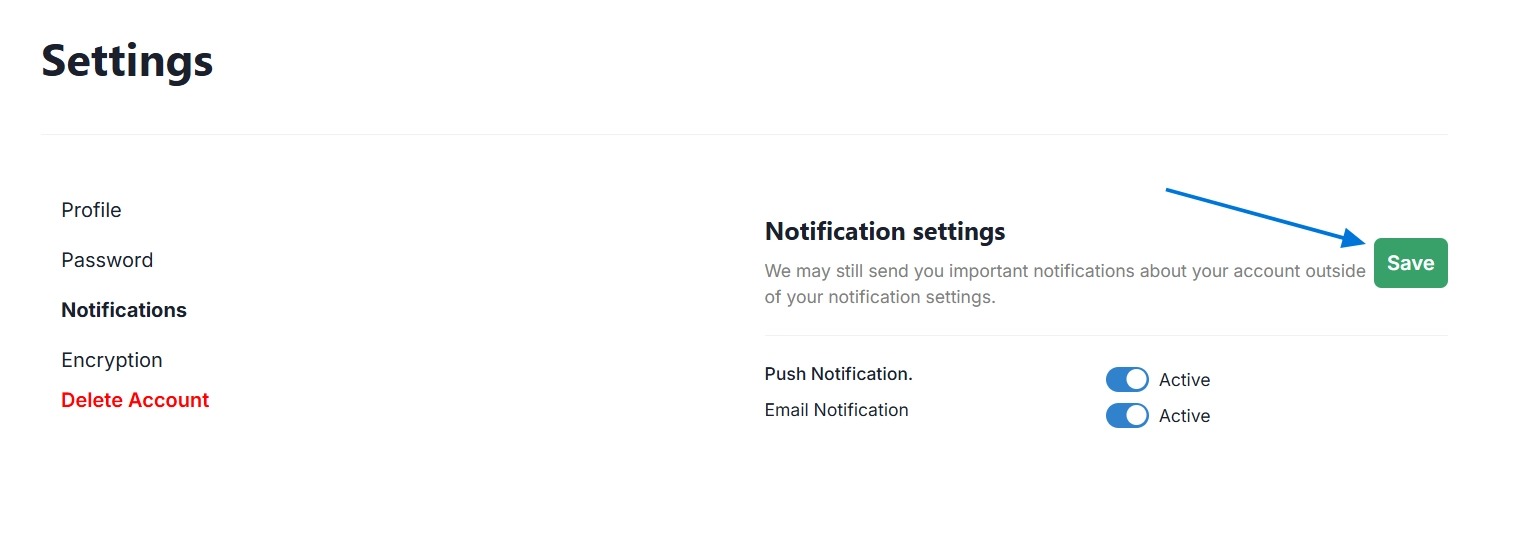
- You can change the notification settings. Press 'Save' after finishing making changes to save.
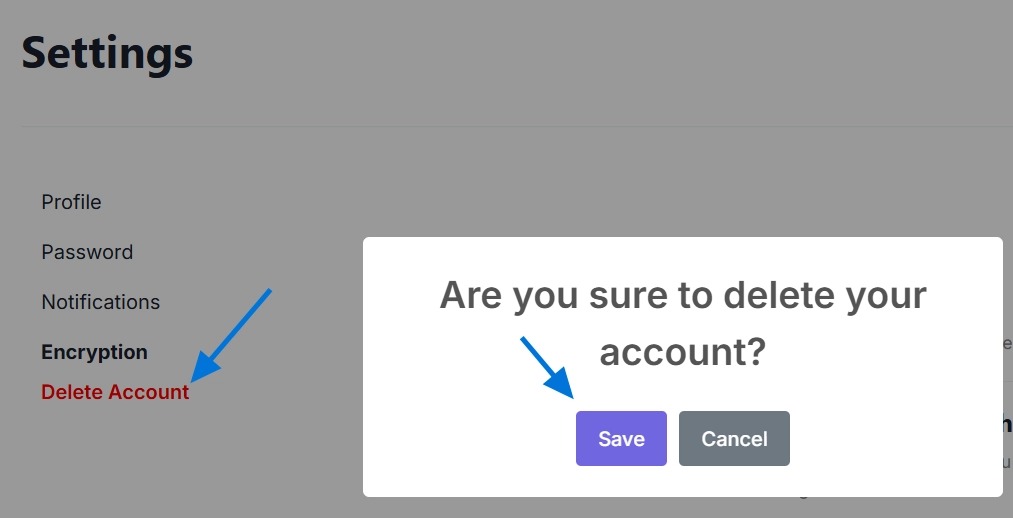
- You can delete your account at any time. Please note that all your data will be permanently removed and cannot be recovered. To proceed, click 'Delete Account' and then click 'Save' to confirm.
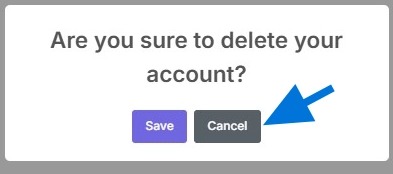
- Click "Cancel" if you wont't delete the account.
Coming Soon
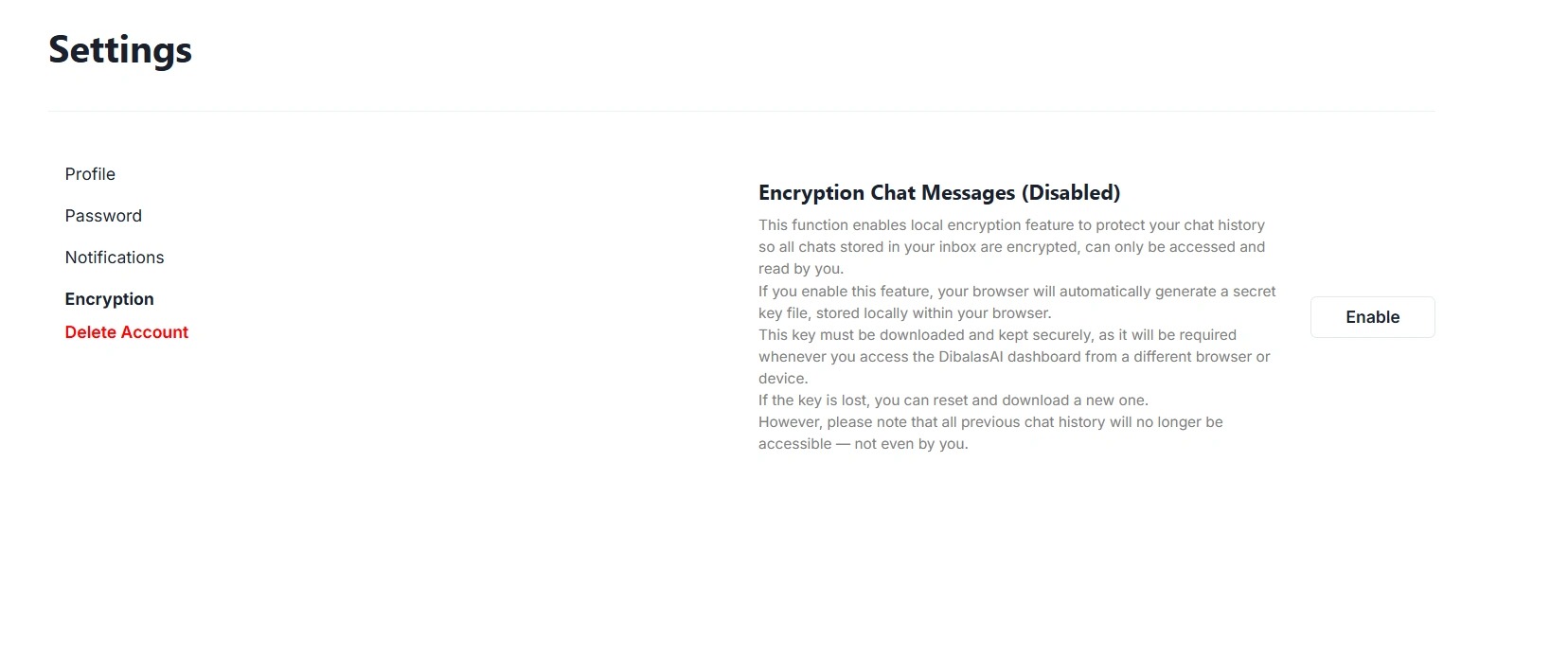
You can encrypt your inbox.
Below is the encryption settings page before the feature is activated.
You can choose whether or not to enable encryption.
Please make sure you fully understand how this feature works.
If you lose your key or passphrase, you will not be able to access your previous chat history.
All old messages will be marked as “hidden.”
Tap the ‘Enable’ button to start using this feature.
Dibalas AI uses partial end-to-end encryption to keep your chat history private.
While part of the encryption process happens on the server (so the AI can process your conversations), the system remains secure because Dibalas AI never has access to the decryption key.
This means only you can read your conversations, as they are protected by a unique encryption key that you can download.
The key is automatically generated and stored locally in your browser without requiring any manual action.
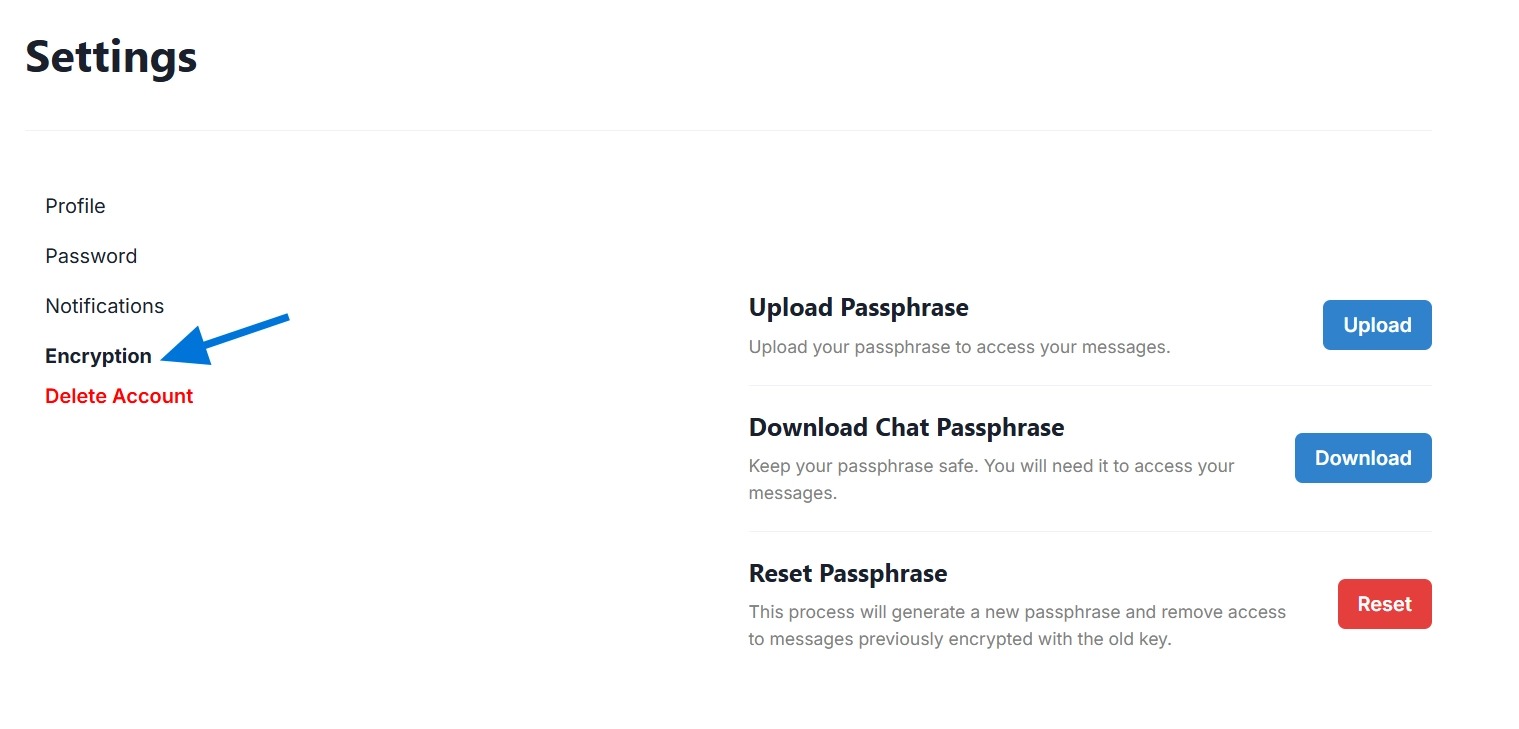
If the key is deleted — for example, if you clear your browser’s cache or session data — you can reset your passphrase on the Profile > Encryption page, then:
-
Download the new passphrase again
-
Upload it back to the system
Following these steps will keep your chat history secure and accessible only to you.
Please be careful. If you proceed with the reset, you will no longer be able to access your previous chat history. All messages will be marked as hidden.