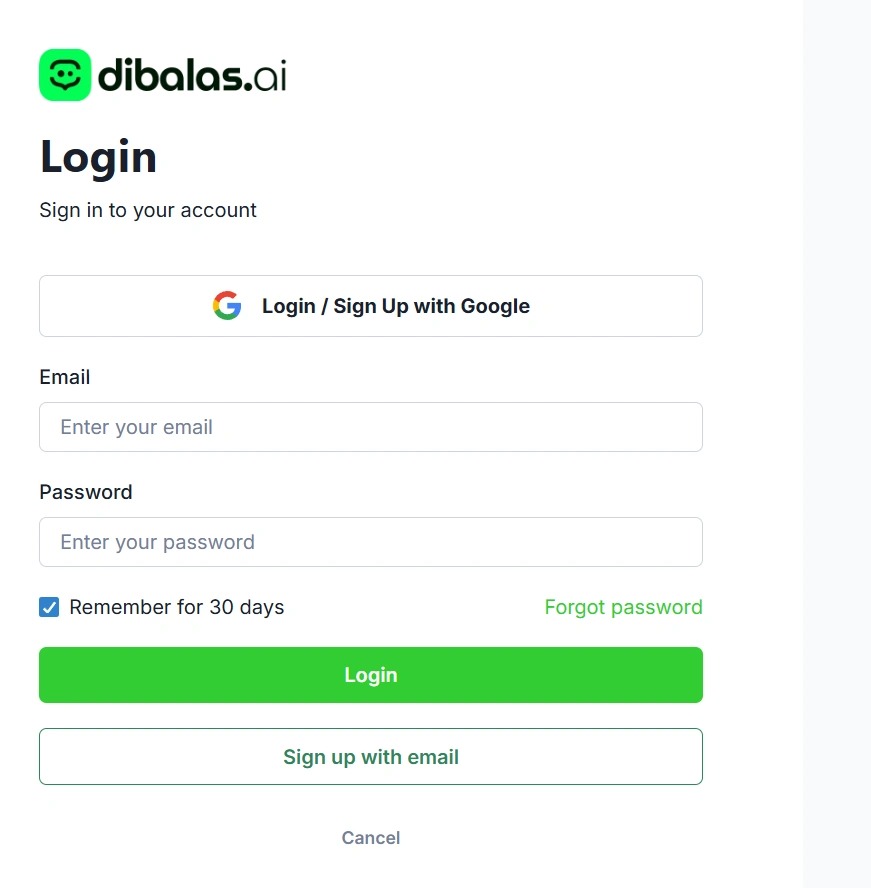
Registration Guide
Registration Guide
Account Management
There are two ways to register:
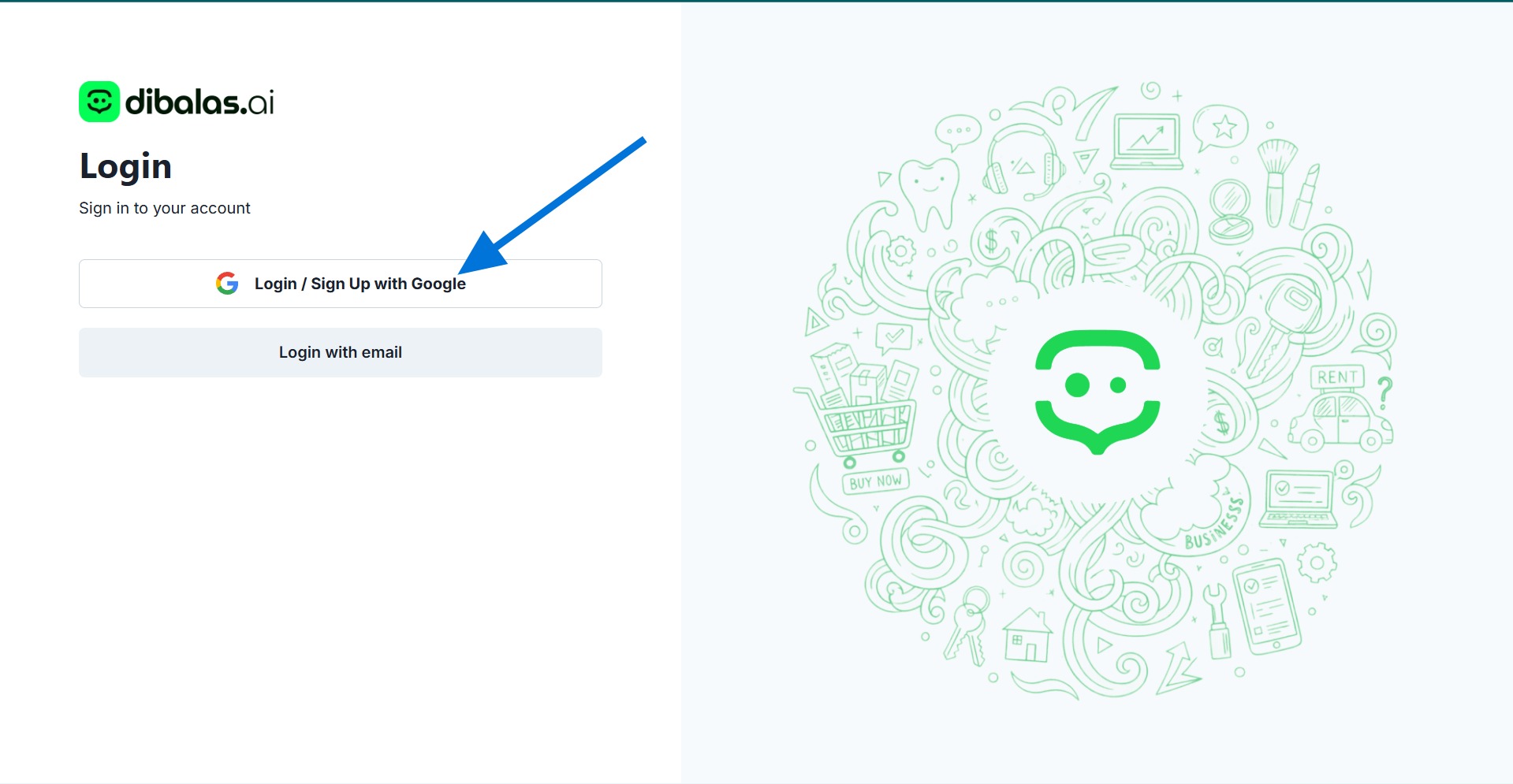
Sign in with google
First, by using a Google account. Simply click on "Sign in with Google" and you will be registered using the email associated with the browser you are currently using.
Sign in with Email
Second, if you want to use an email other than the one you are currently using in your browser, you can register manually using the steps below:
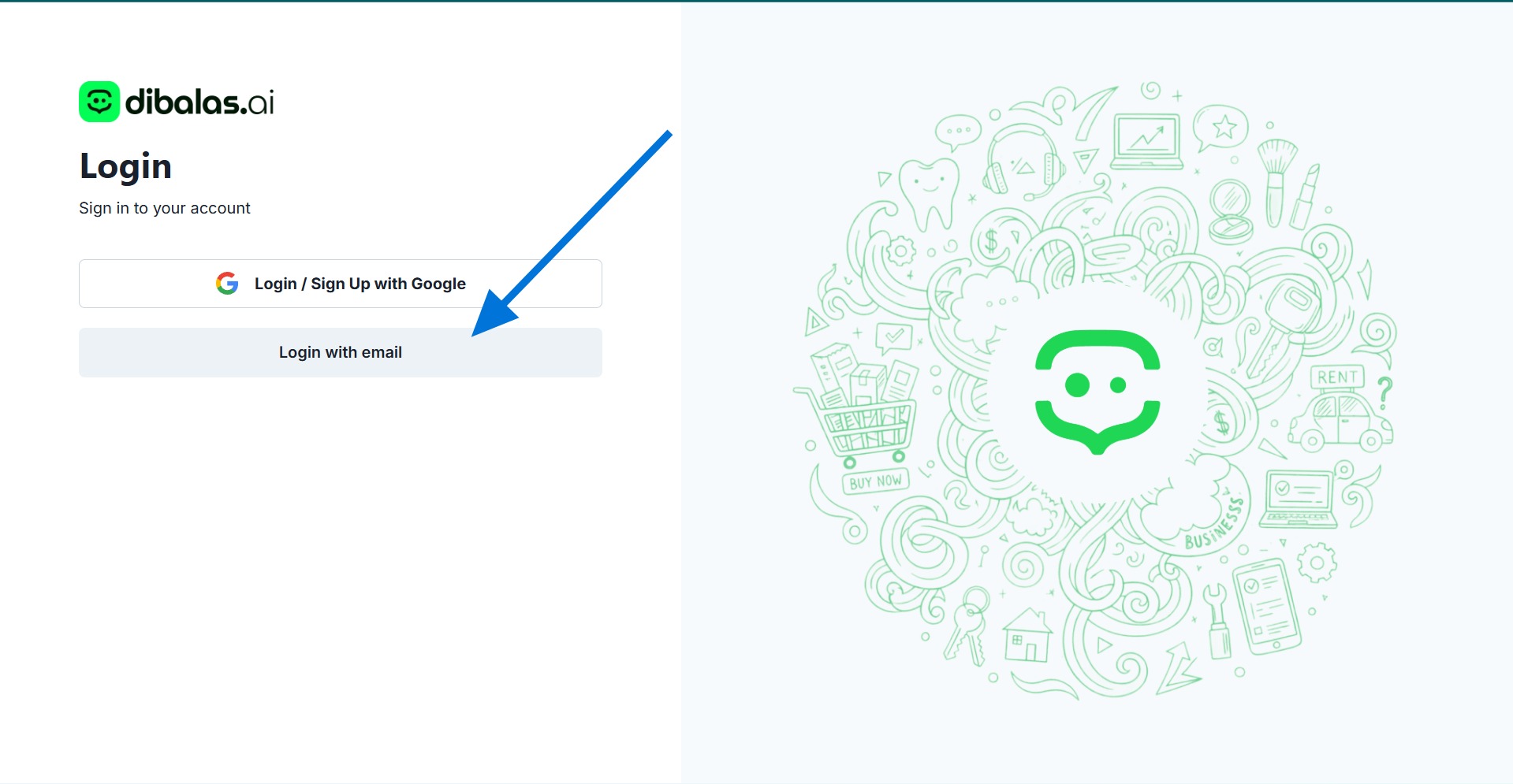
- Click " login with email"
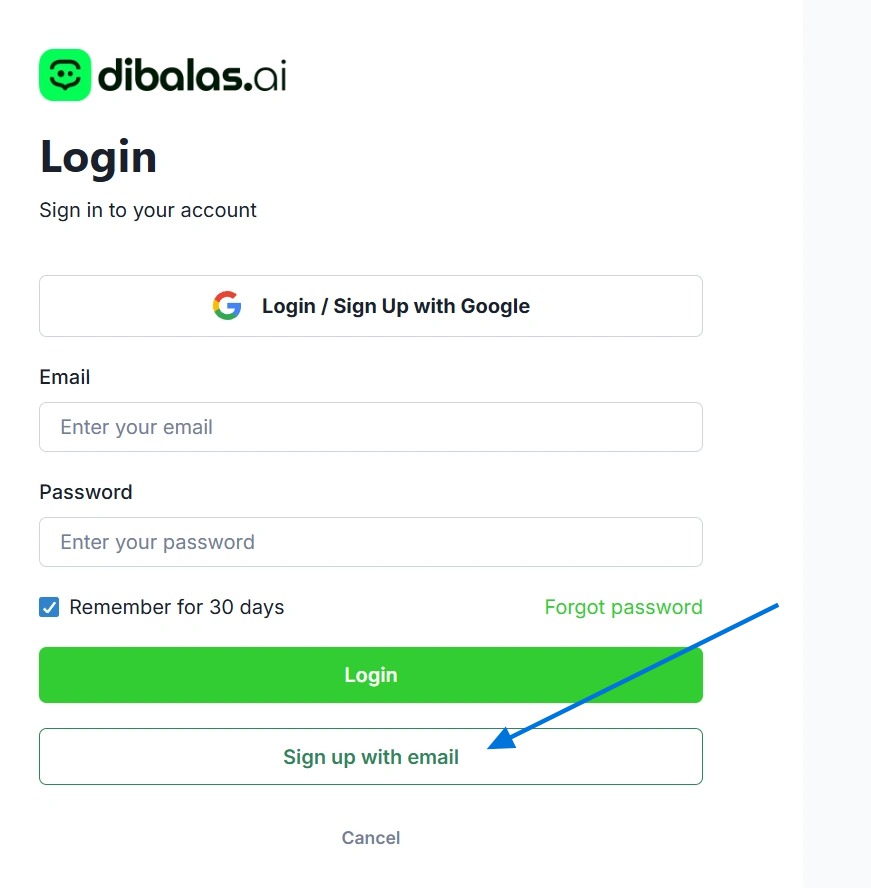
- Click "Sign up with email"
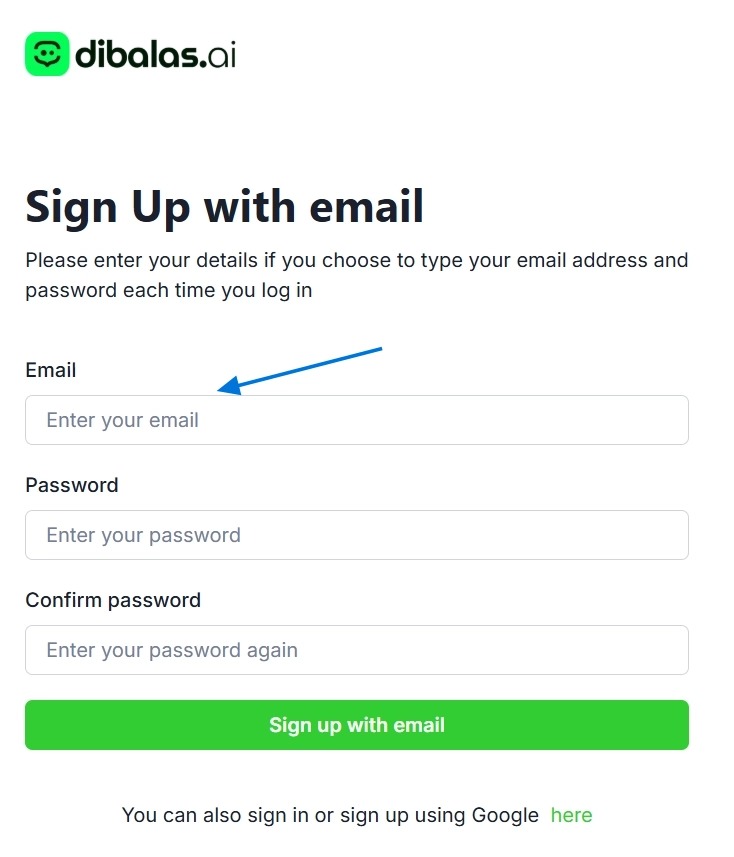
- Enter your email in the "Email" field.
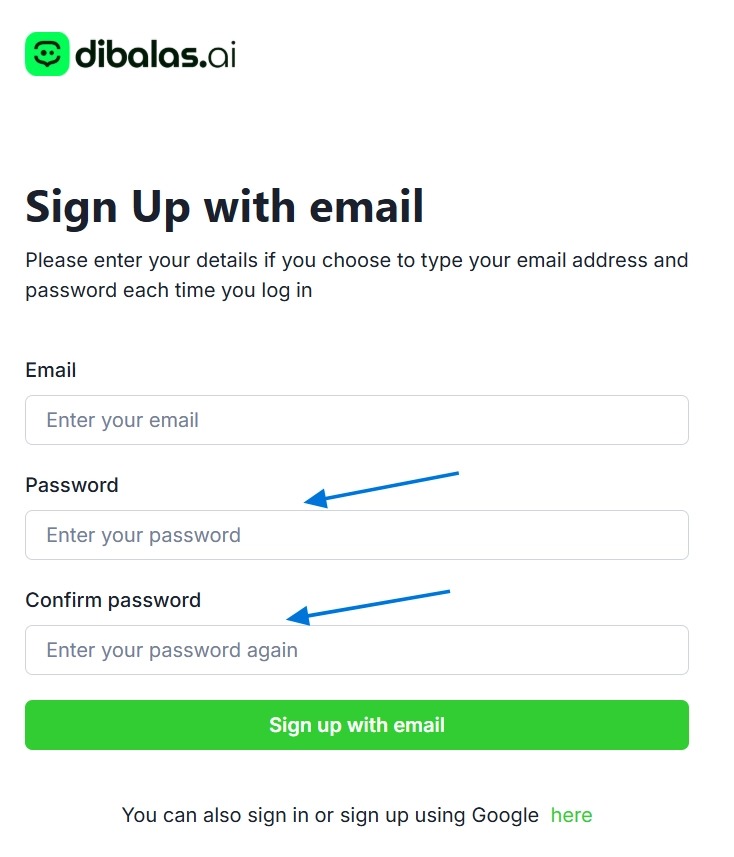
- Enter the password you want to use in the "Password" field and the "Confirm Password" field.
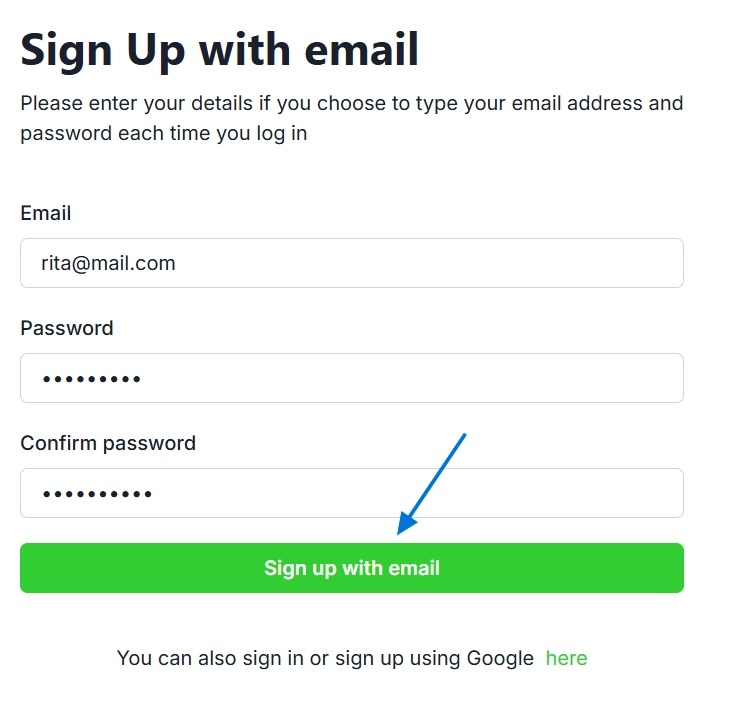
- Click "Sign up" to create your account.
- After successfully registering, you can log in to your account by entering your email and password on the login page and then clicking "Login"