How to add a new team and switch team
How to add a new team and switch team
Team Management
Create a new team
- Open "Chatbots" Page
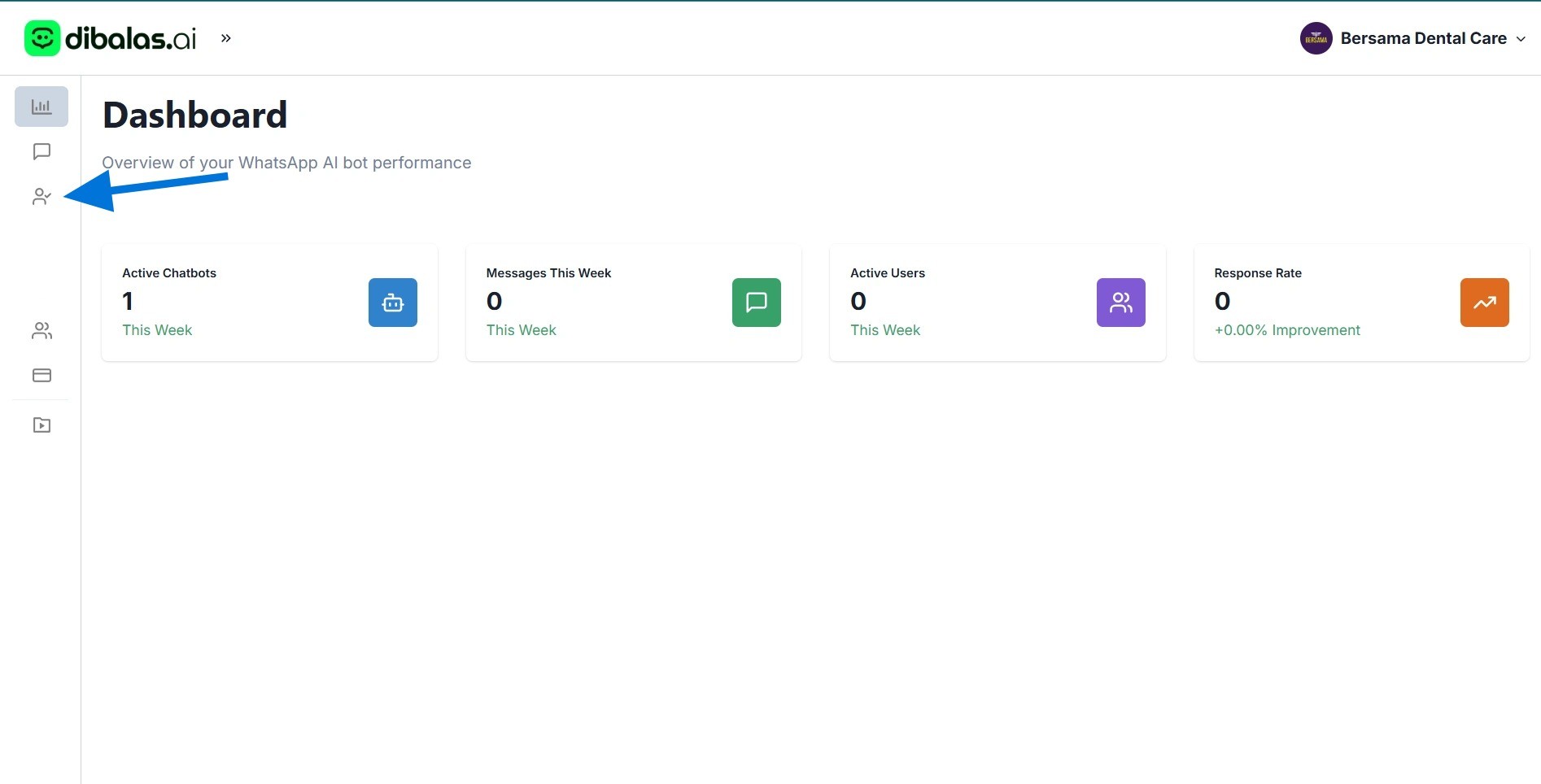
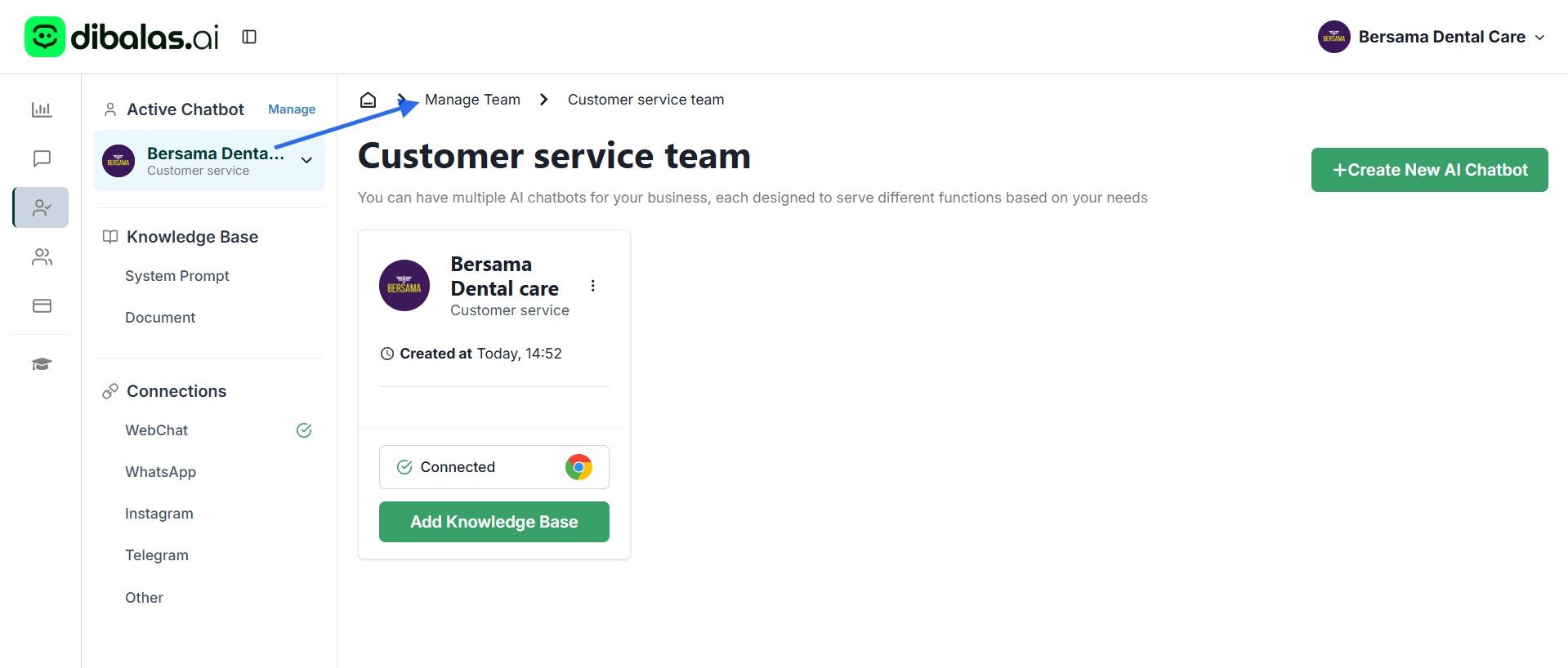
- Click "Manage Team"
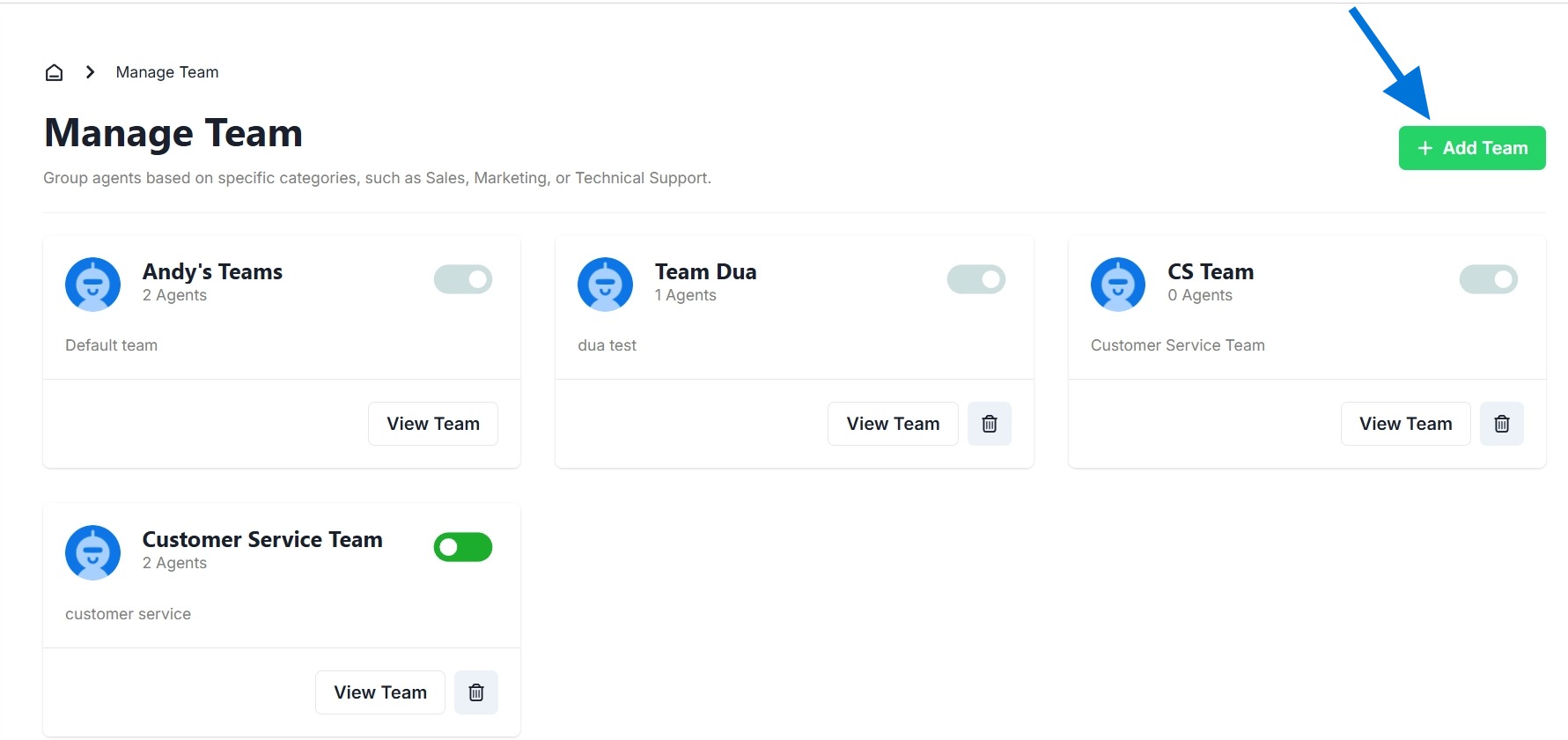
- Click 'Add Team' to create a new team. To delete a team, click the 'Trash Bin' icon. Please note that you can only delete teams that you have created. You cannot delete teams where you are only a member.
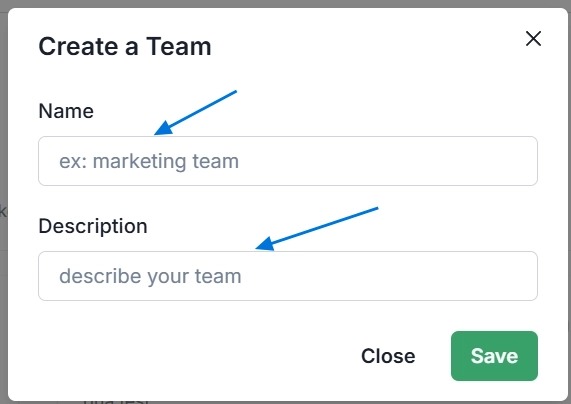
- After pressing 'Add Team,' you can enter the team name and also a description for the team you create.
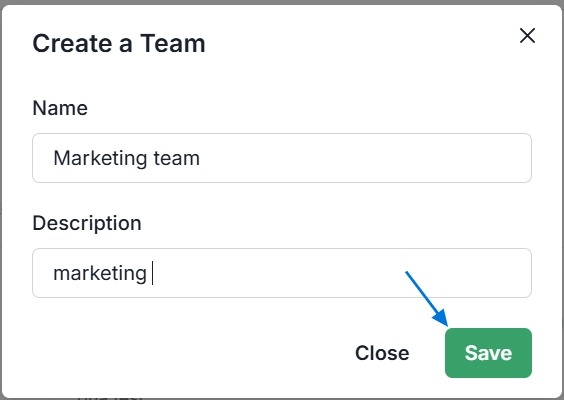
- Press 'Save' to save the team you have created
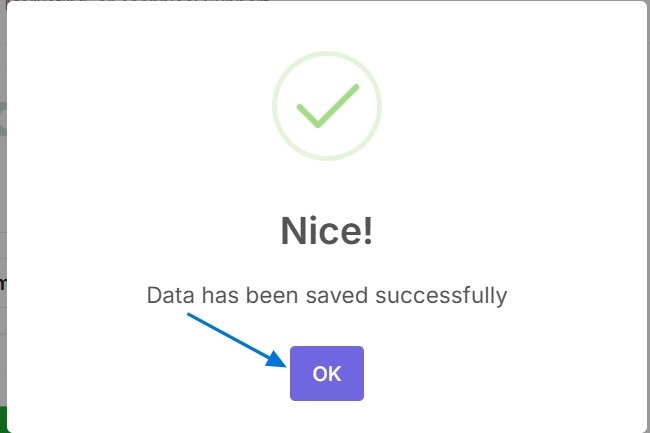
- Click "OK"
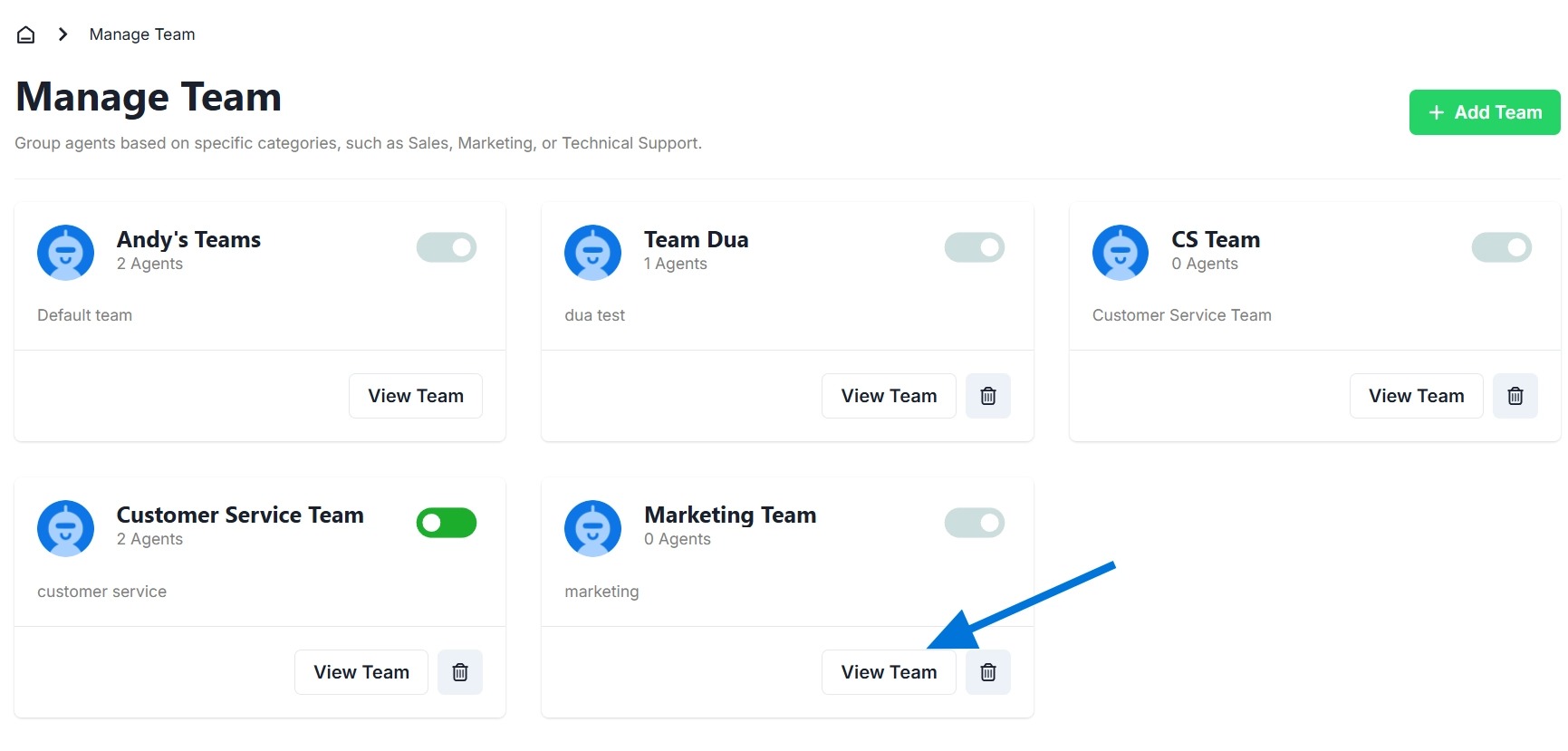
The team you created will appear on the "manage team" page.
How to change team 1
- Click "View Team" on the team you want to open.
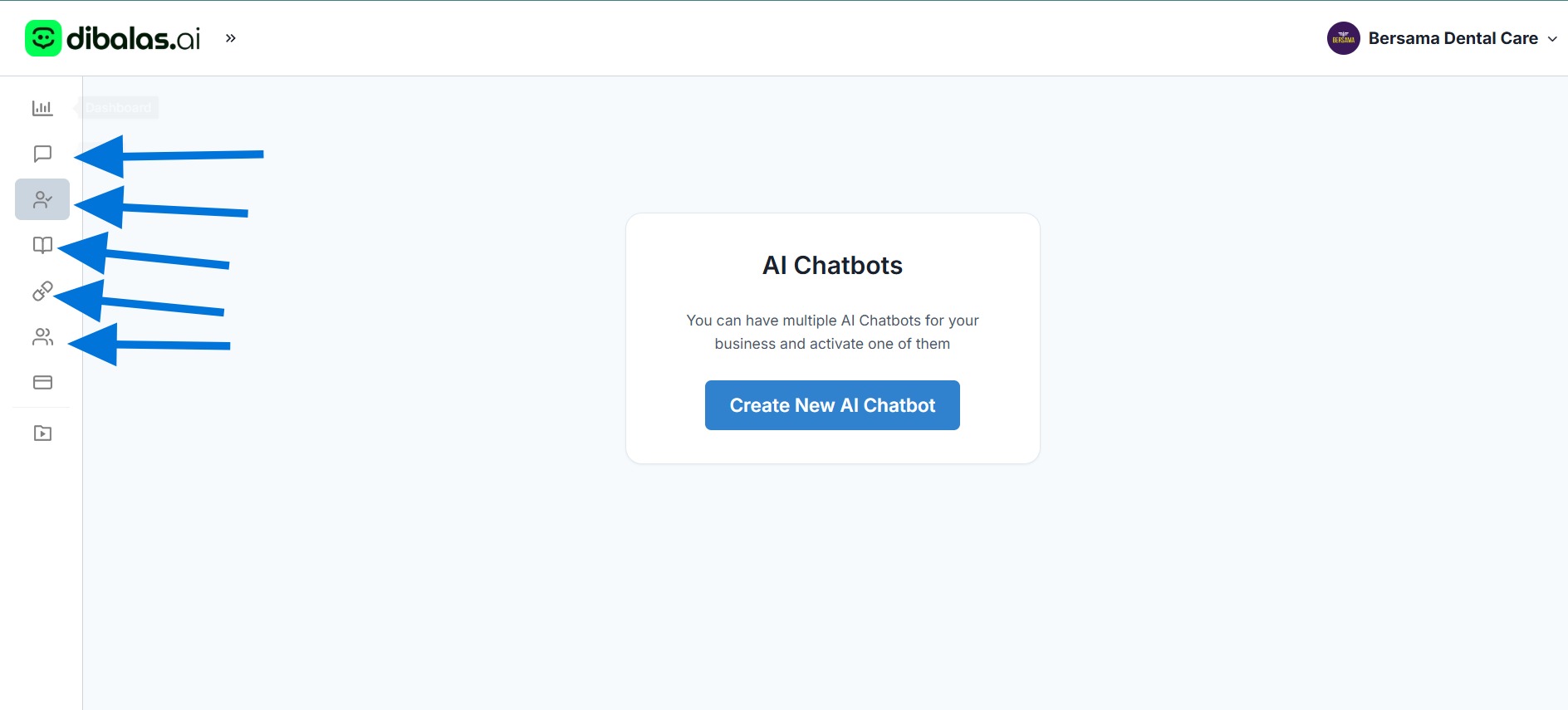
- Chatbots, Inbox, Knowledge Base, Connections, and Users will change according to the team that is selected at the time.
How to change team 2
- You can also change the team through the dropdown on your username. Click on the name or the dropdown on the right side of your username.

- Then click 'Switch Teams' on the dropdown.
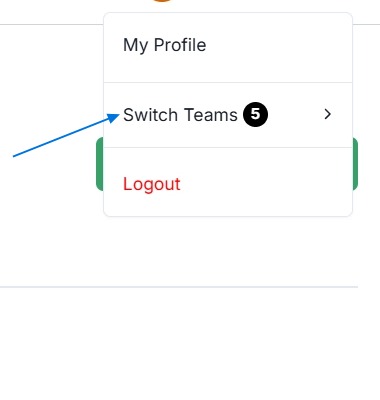
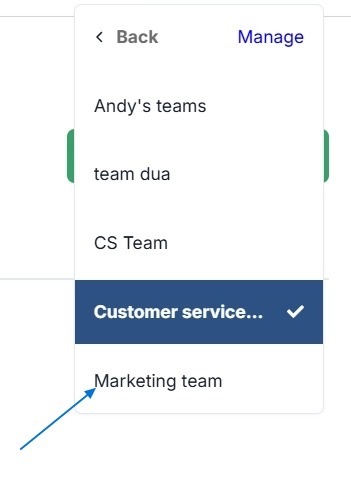
- After that, you’ll see a list of teams you belong to. Tap on a team name to switch to or open that team. In the example below, I'm opening the 'Marketing Team'.
Chatbots, Inbox, Knowledge Base, Connections, and Users will change according to the team currently selected
How to change team 3
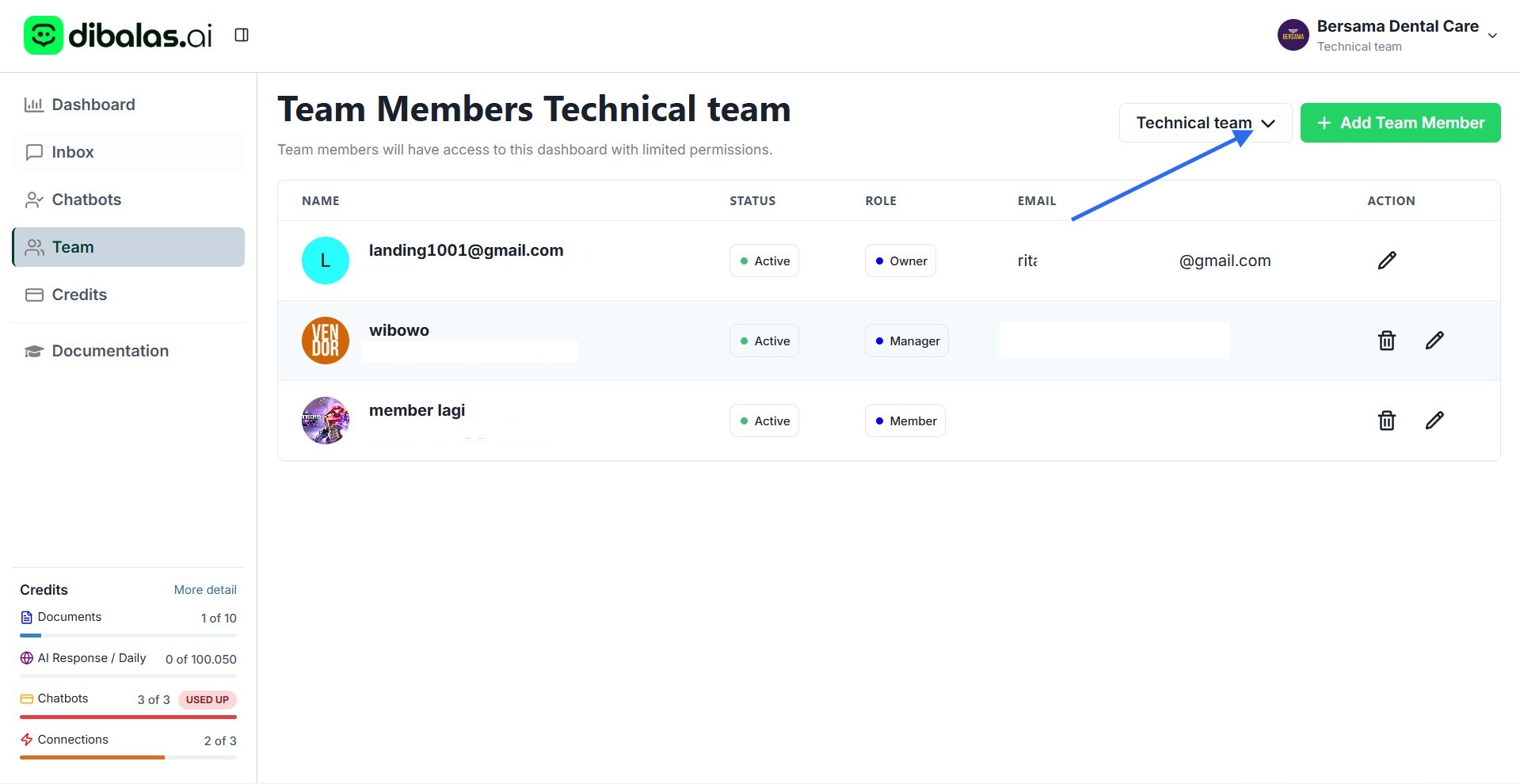
Additionally, you can switch teams by selecting one of the teams from the dropdown menu on the Team page, as shown below.