
Login Guide
Two easy ways to sign in to the DibalasAI dashboard.
To access the DibalasAI dashboard, we provide two secure and practical login methods. You can choose the method that best suits your needs.
1. Sign in with Google (Recommended)
This is the fastest way to access your account without having to remember a password.
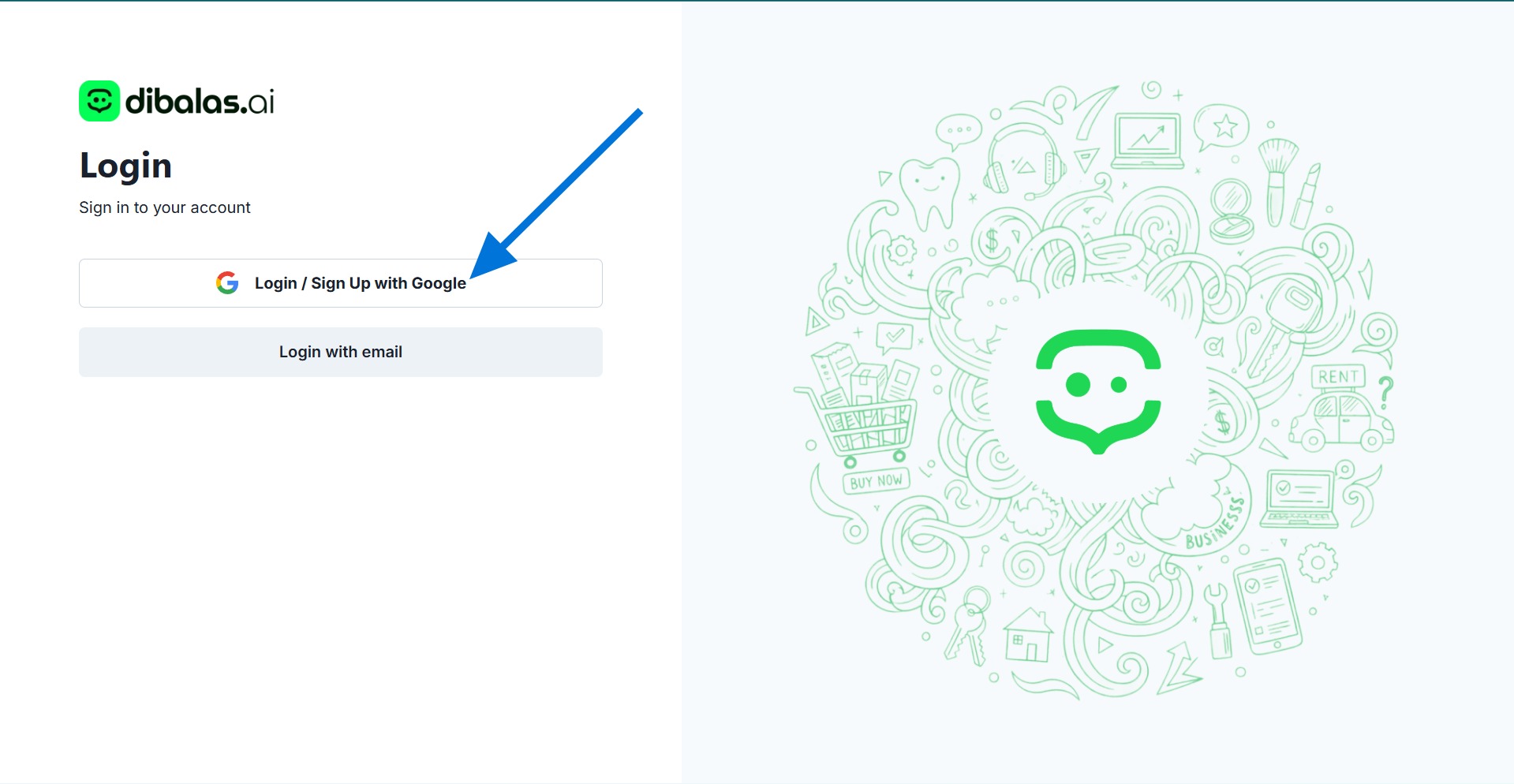
If you want to use the Google account that is currently active in your browser, simply click the Sign in / Register with Google button. The system will automatically authenticate and redirect you to the main dashboard page.
2. Sign in with Email
Use this method if you want to sign in using a different email address than the Google account in your browser, or if you have previously registered manually.
Steps:
-
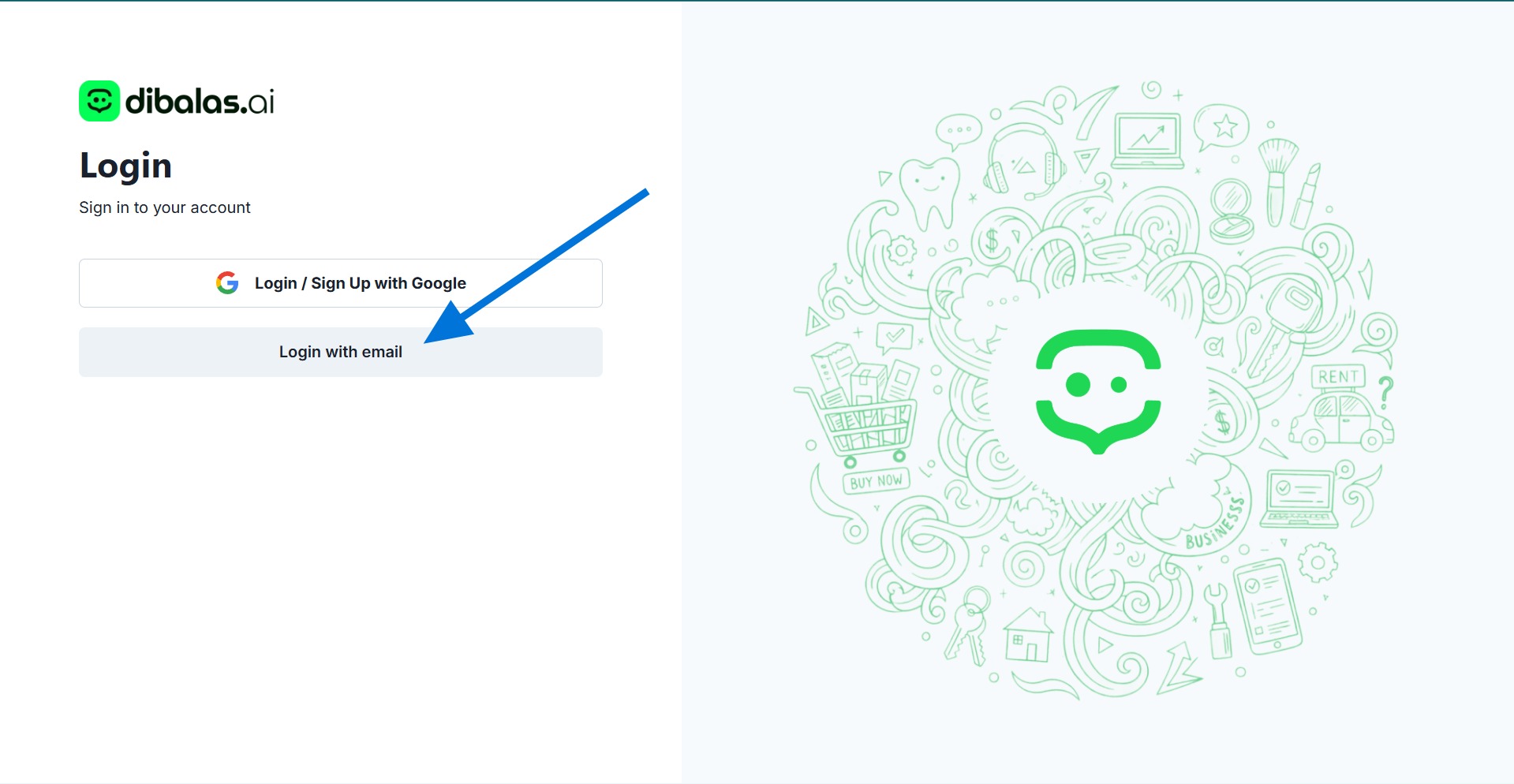
On the main login page, click the Sign in with email option.
-
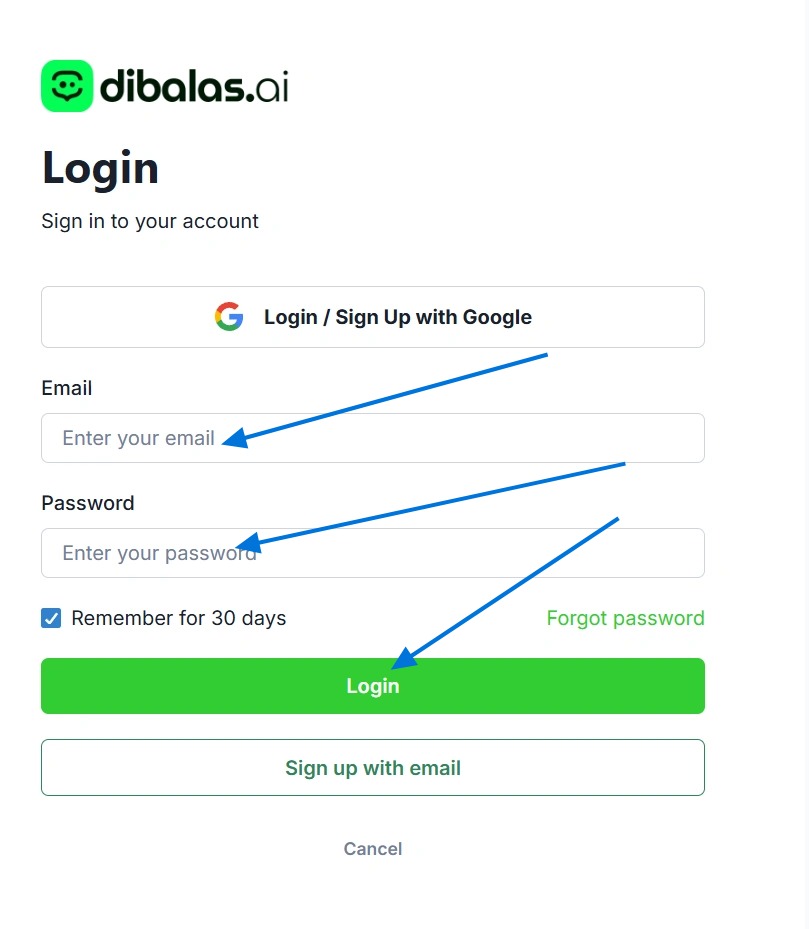
You will be directed to the credential entry form. Enter the Email Address and Password that you have correctly registered previously. After that, click the Sign In button.
-
If the email and password match, you will be immediately directed to your account dashboard page and ready to manage your chatbot.
However, if your account has not been verified yet, after clicking the "Login" button, you will be redirected to the email verification page.
On that page, you can resend the verification link. The verification link will be sent to your email address. After clicking the link and successfully verifying your email, you will be able to log in immediately.
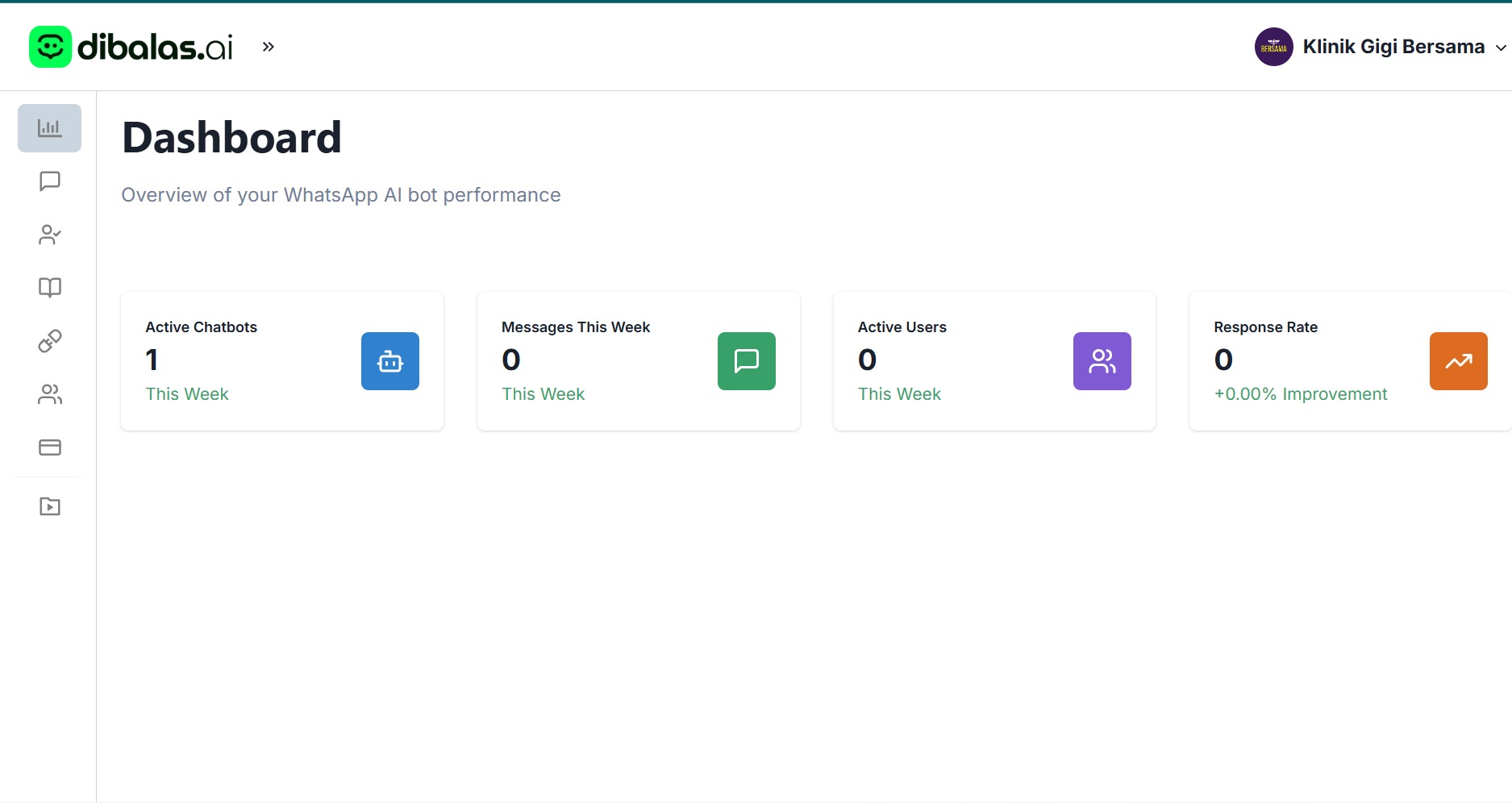 Only conversations (chats) that consist of at least 10 messages will be recorded in the analytics on the dashboard.
Note: If the dashboard page becomes blank or the data does not appear after clicking the Logout button, please clear your browser cache first. Once the cache has been successfully cleared, refresh (reload) the page. This will ensure that the logout process works properly.