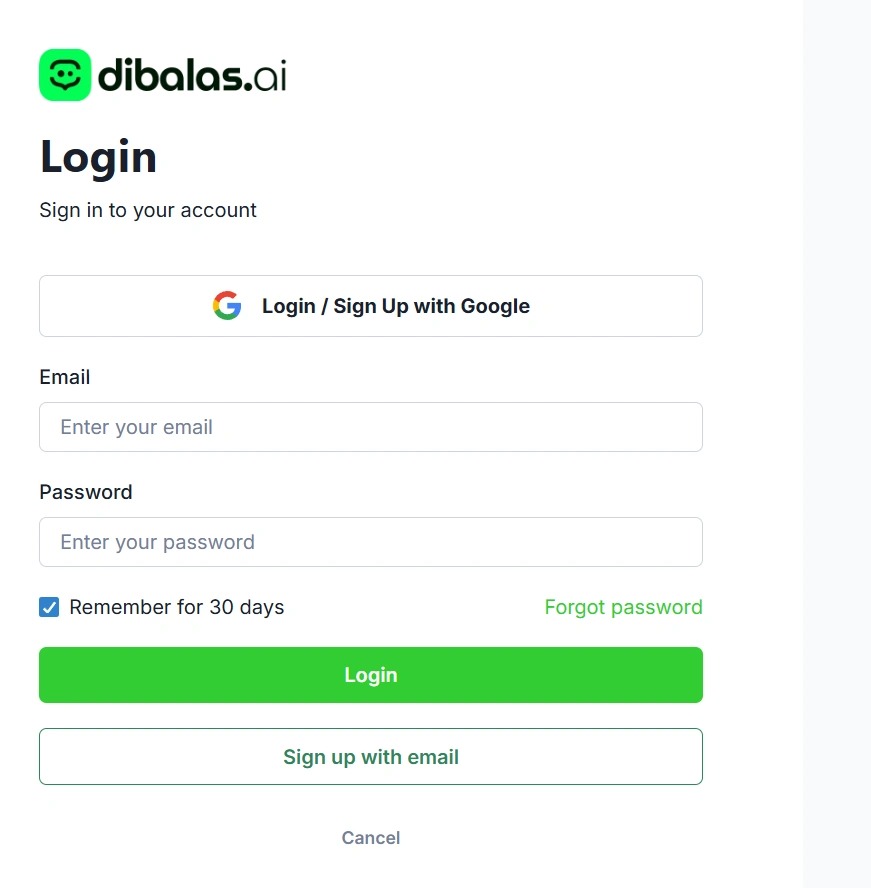
Registration Guide
How to create a new account in DibalasAI
To start using DibalasAI services, you need to create an account first. We provide two registration methods that you can choose according to your convenience.
1. Register with Google (Fast & Recommended)
The easiest and fastest way to register is using your Google account.
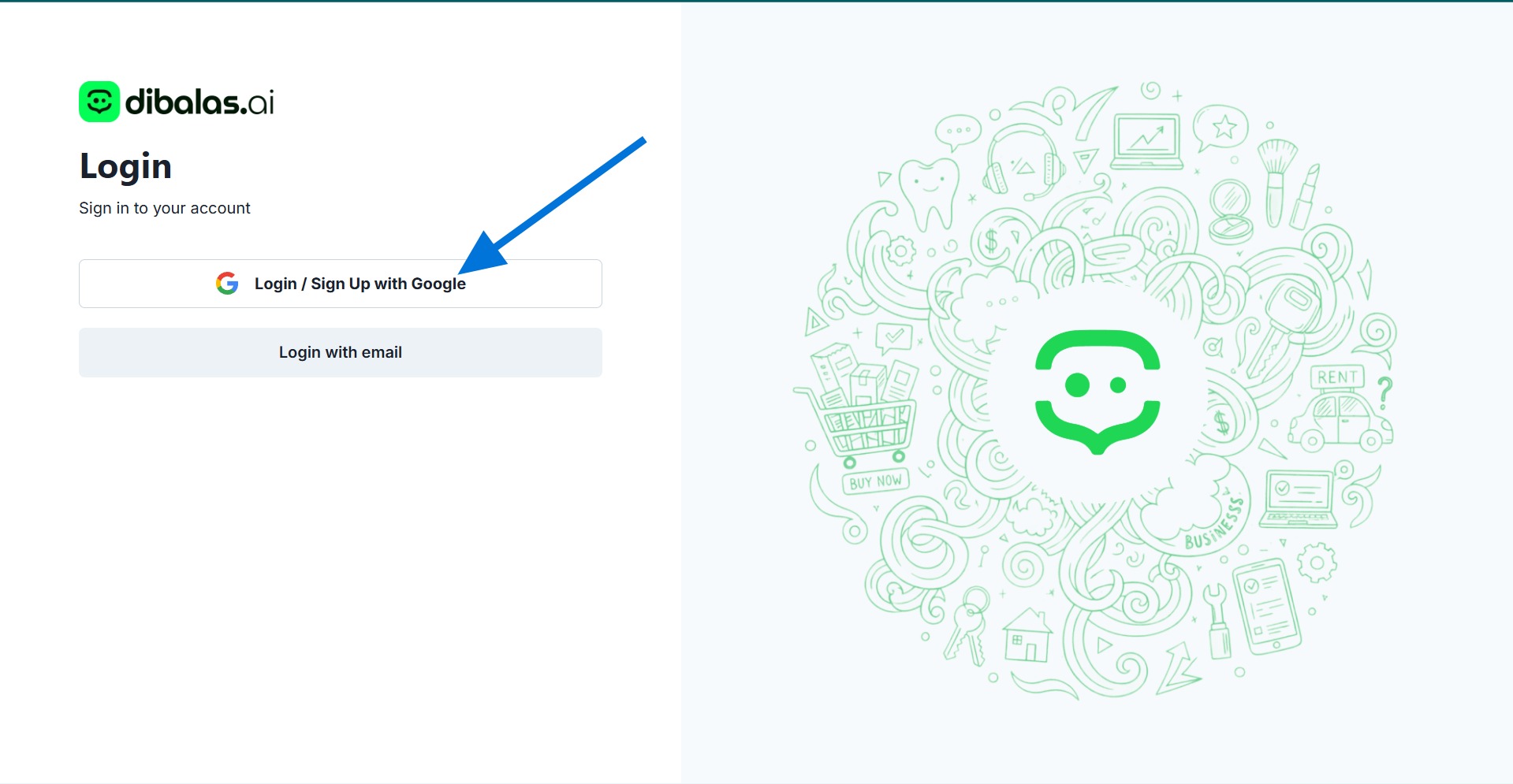
Simply click the Sign in / Register with Google button on the main page. The system will automatically register you using the Google email address that is currently active in your browser.
2. Register with Email Manually
If you want to use a company email address or another email that is not connected to Google in your browser, please use the following manual registration method:
Steps:
-
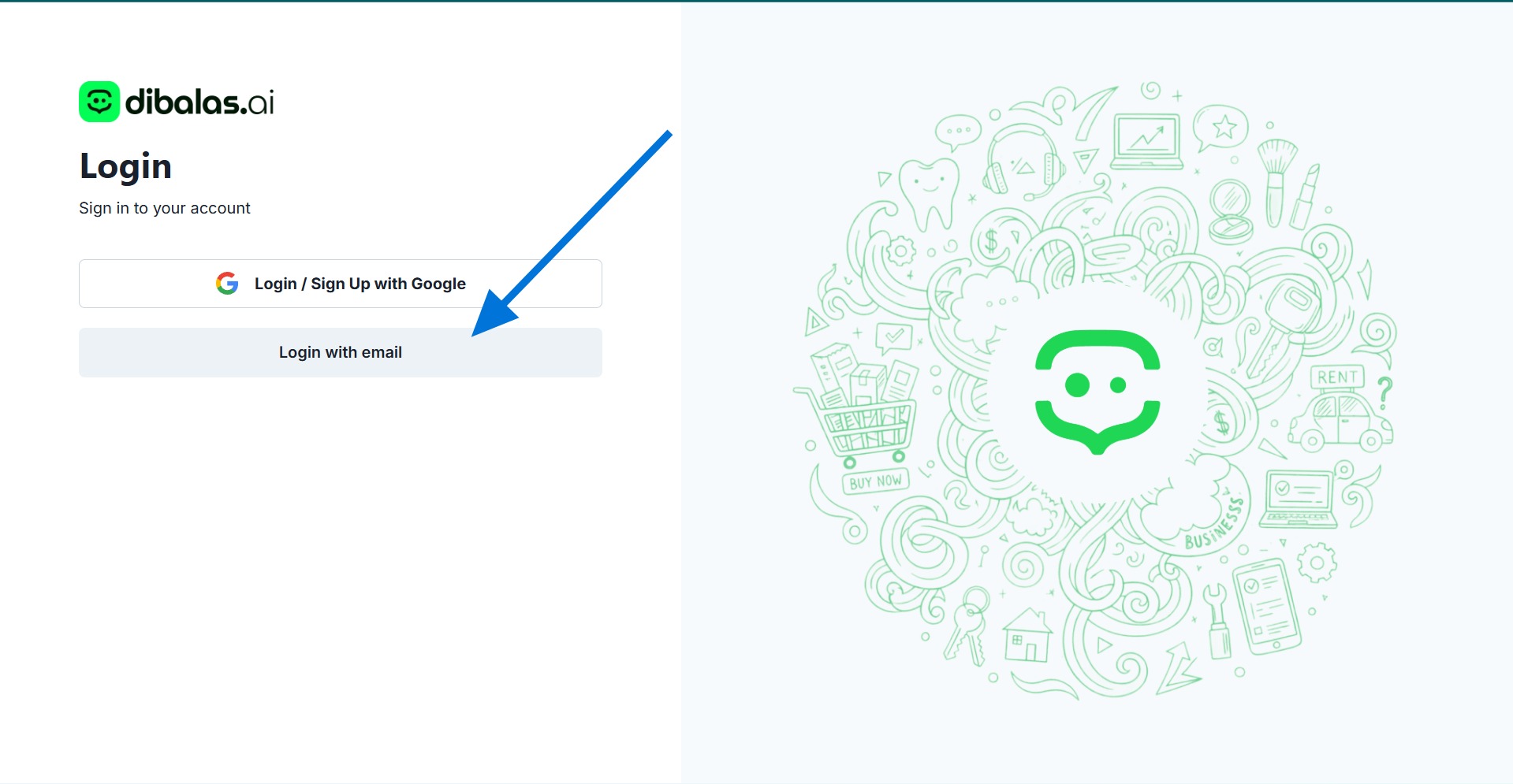
On the start page, click the Sign in with email option.
-
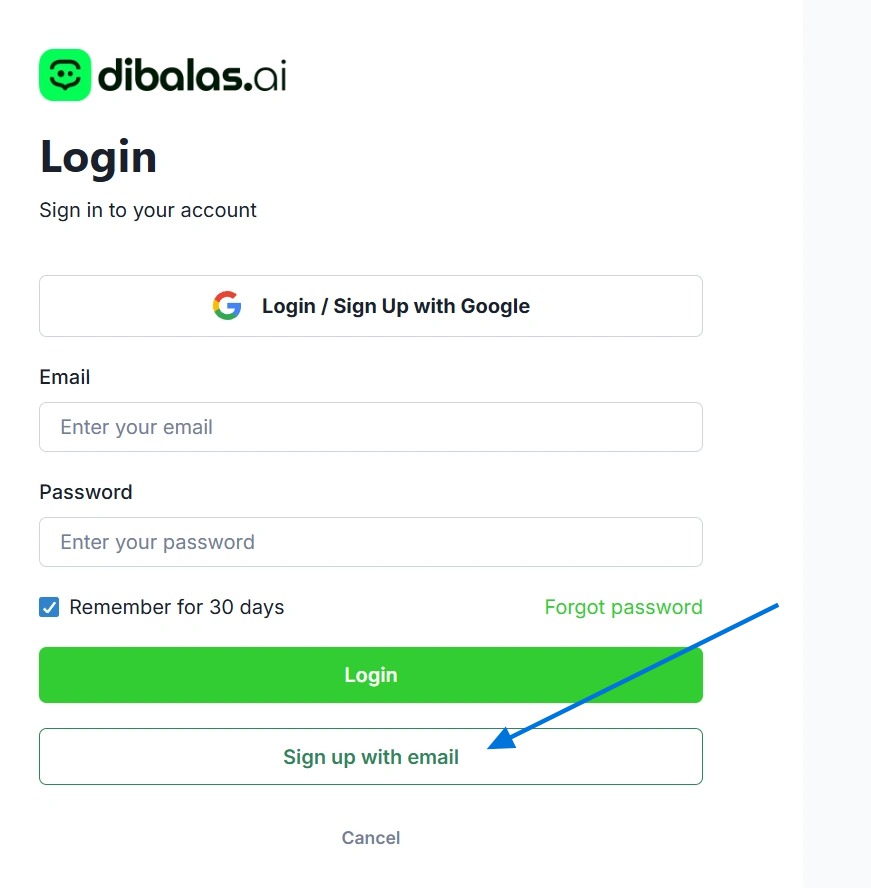
Next, click the Register with email link located at the bottom of the form.
-
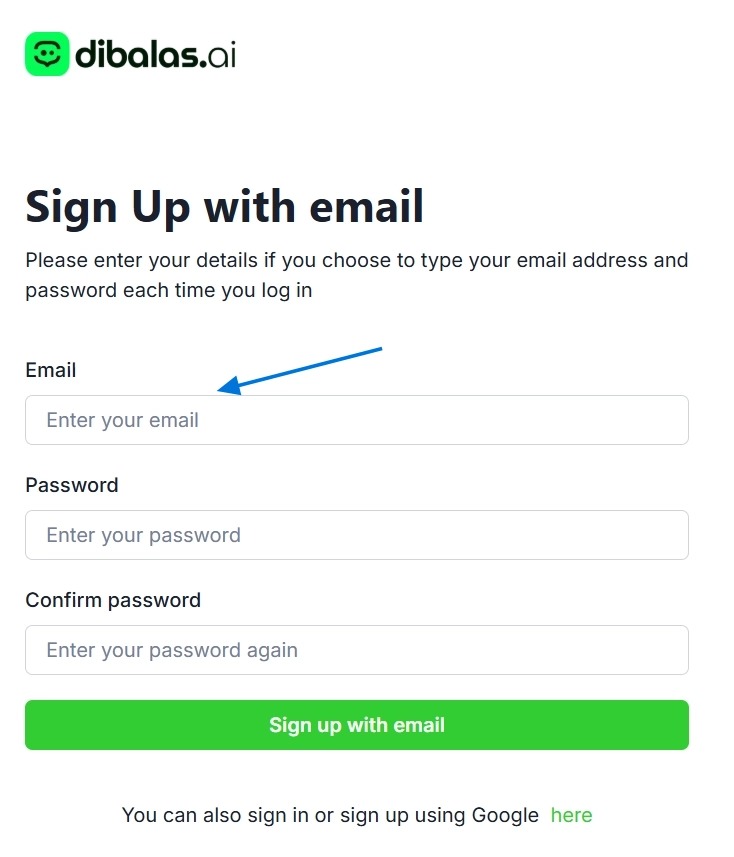
Enter the email address you want to register in the Email field.
-
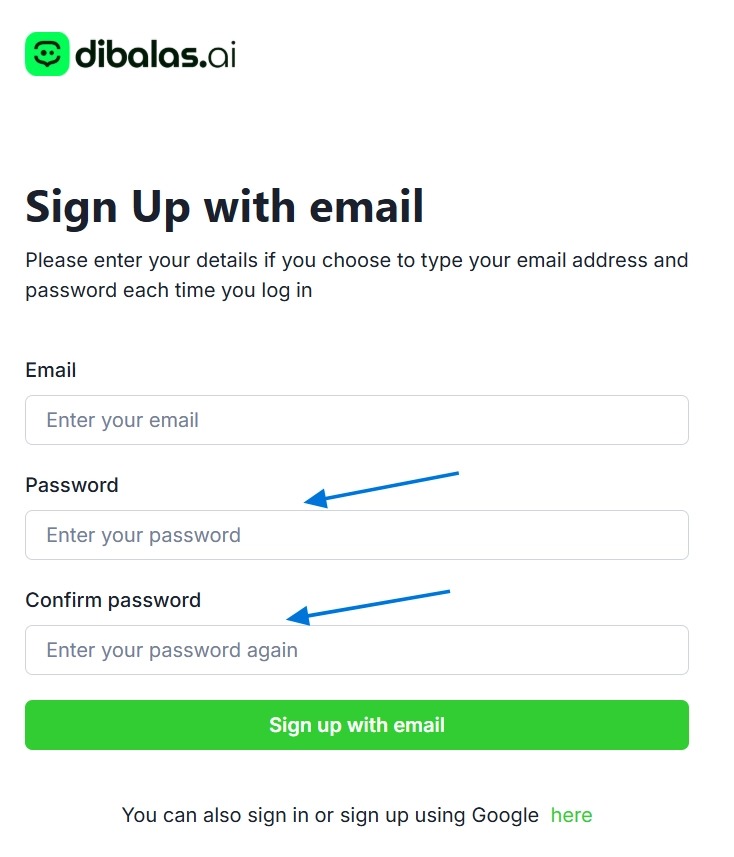
Create a secure password. Enter it in the Password field, then retype the exact same password in the Confirm password field.
-
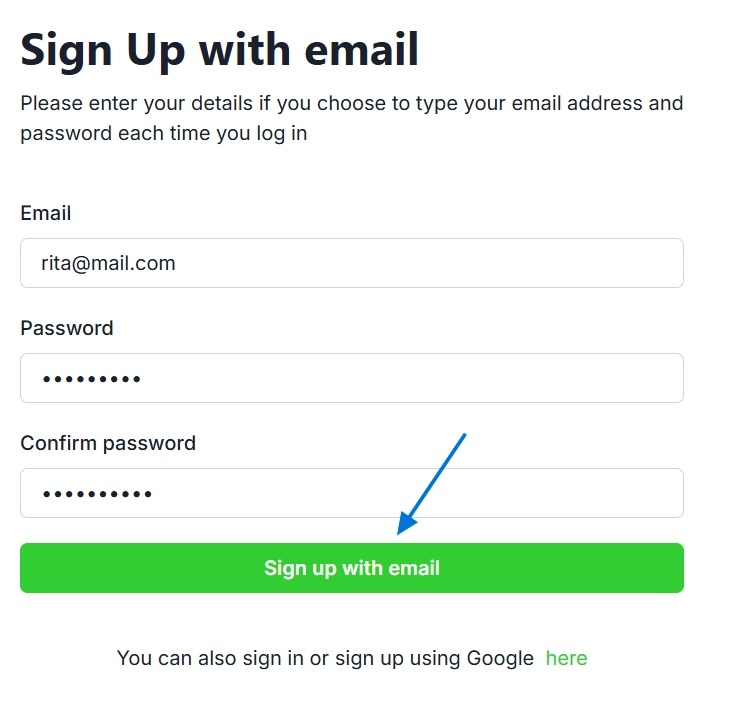
Click the Register with email button to complete the account creation process.
-
After your registration is successful, you will receive a verification email sent to your email address. Open the email, then click the verification link to activate your account. Once the verification process is complete, you will be redirected to the login page. Enter the email address and password you created, then click the login button to access your dashboard.